NearMitra – Open Source Android & Windows File Sharing, Local AI and Device Connectivity
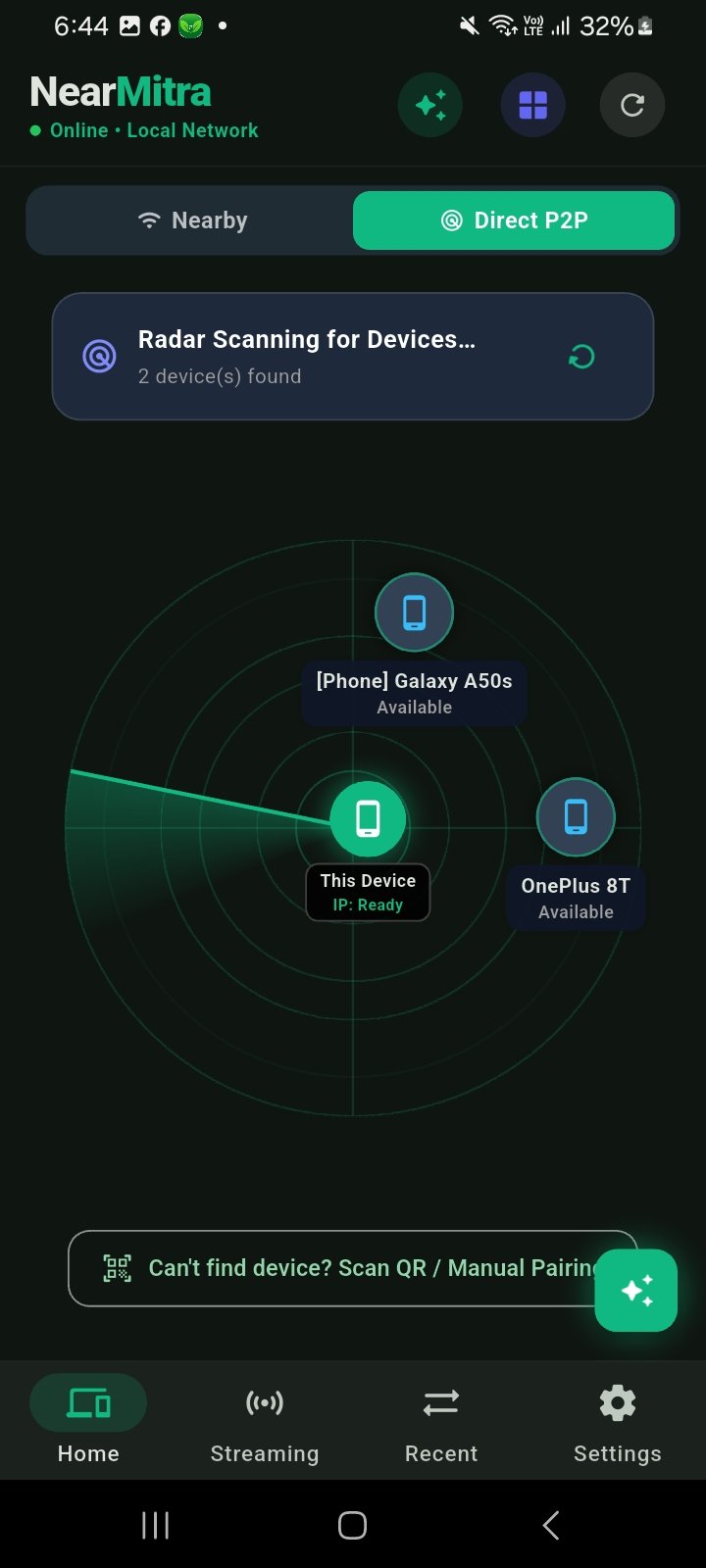
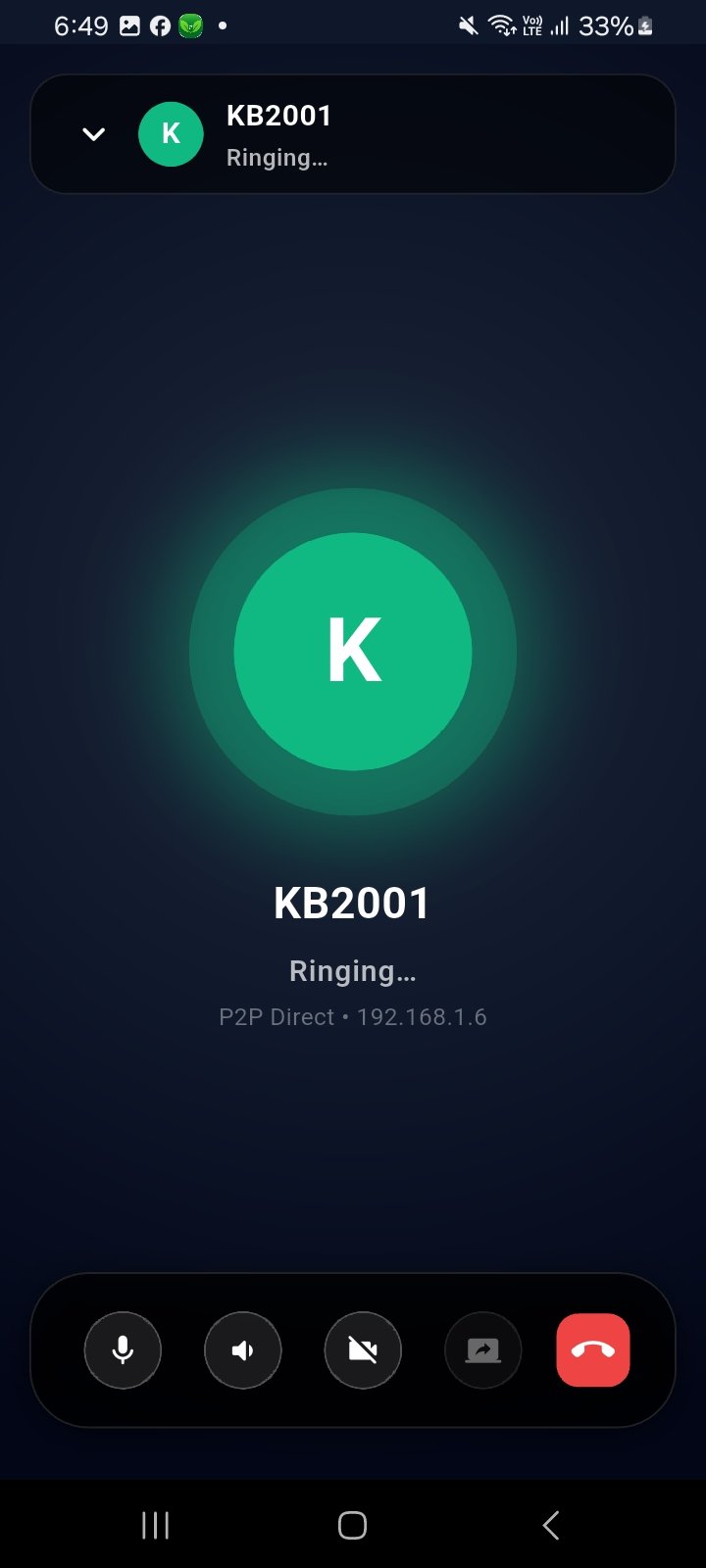
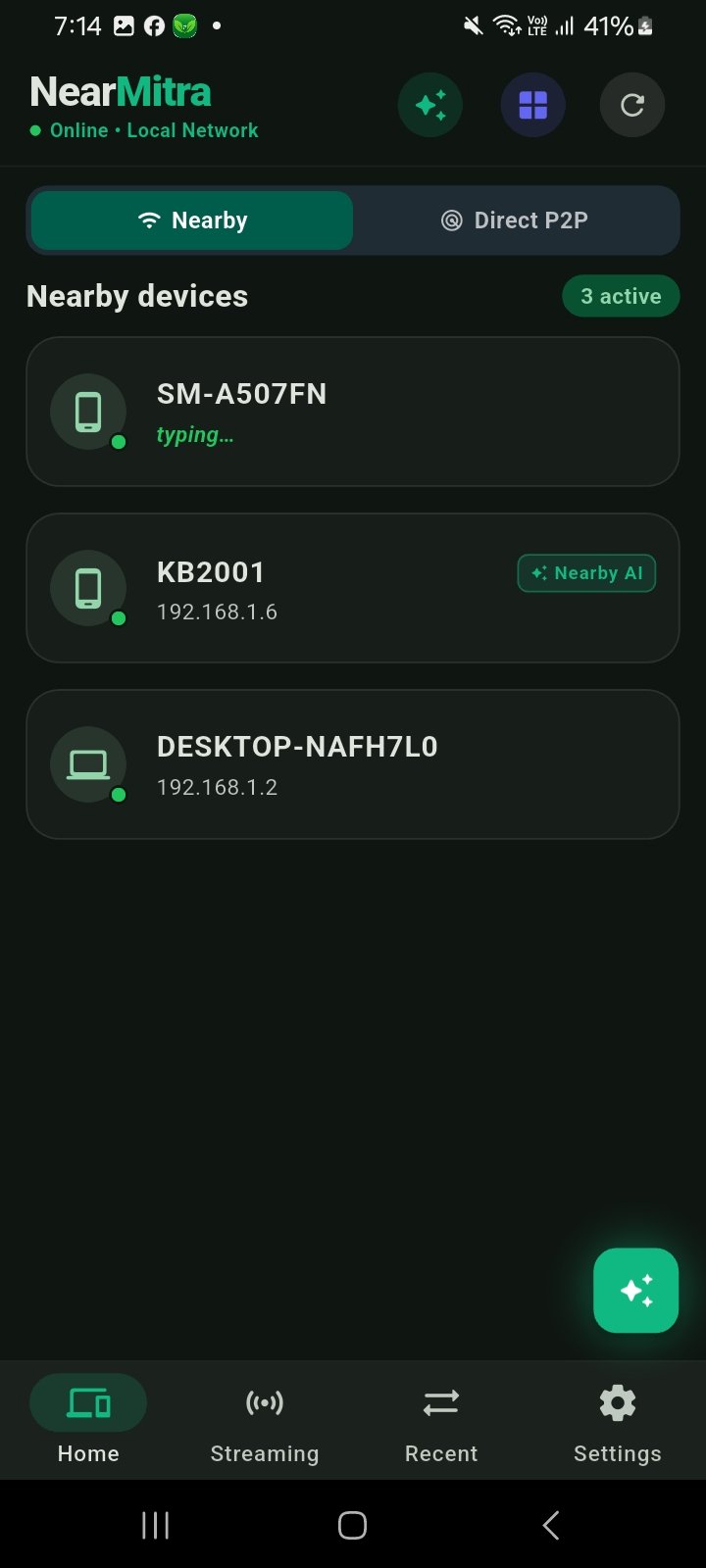
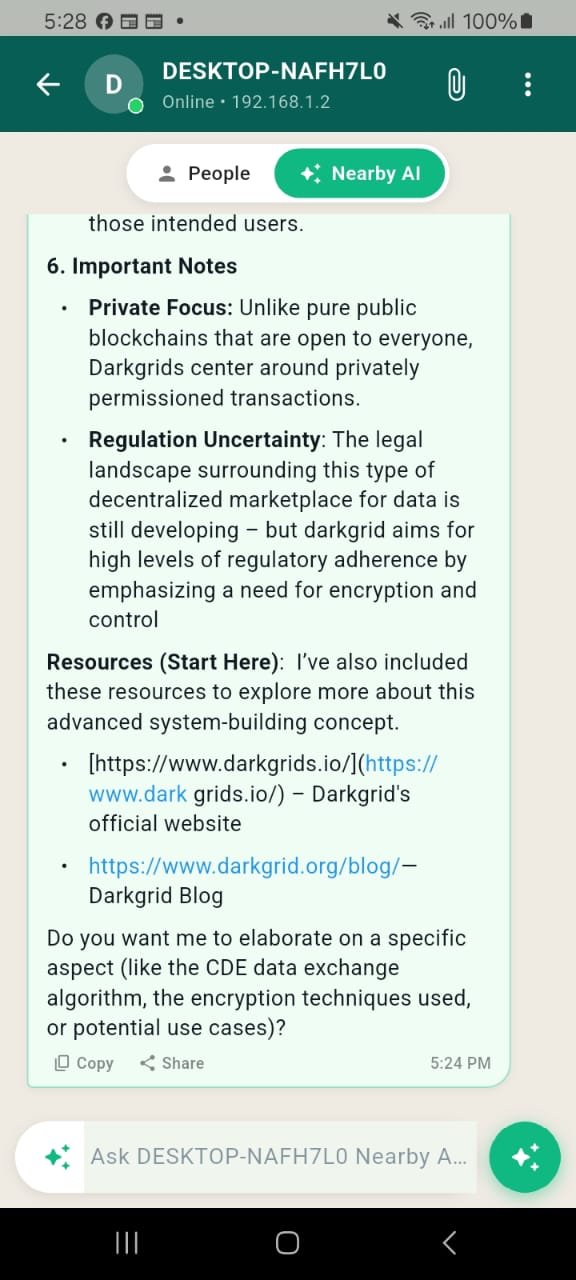
NearMitra is a free, open-source Android and Windows connectivity app built with Flutter, Kotlin and Go. Transfer files wirelessly, chat across devices, access Ollama AI running on your PC, make supported voice/video calls and stream Windows audio to Android over local connections.
Template screenshots
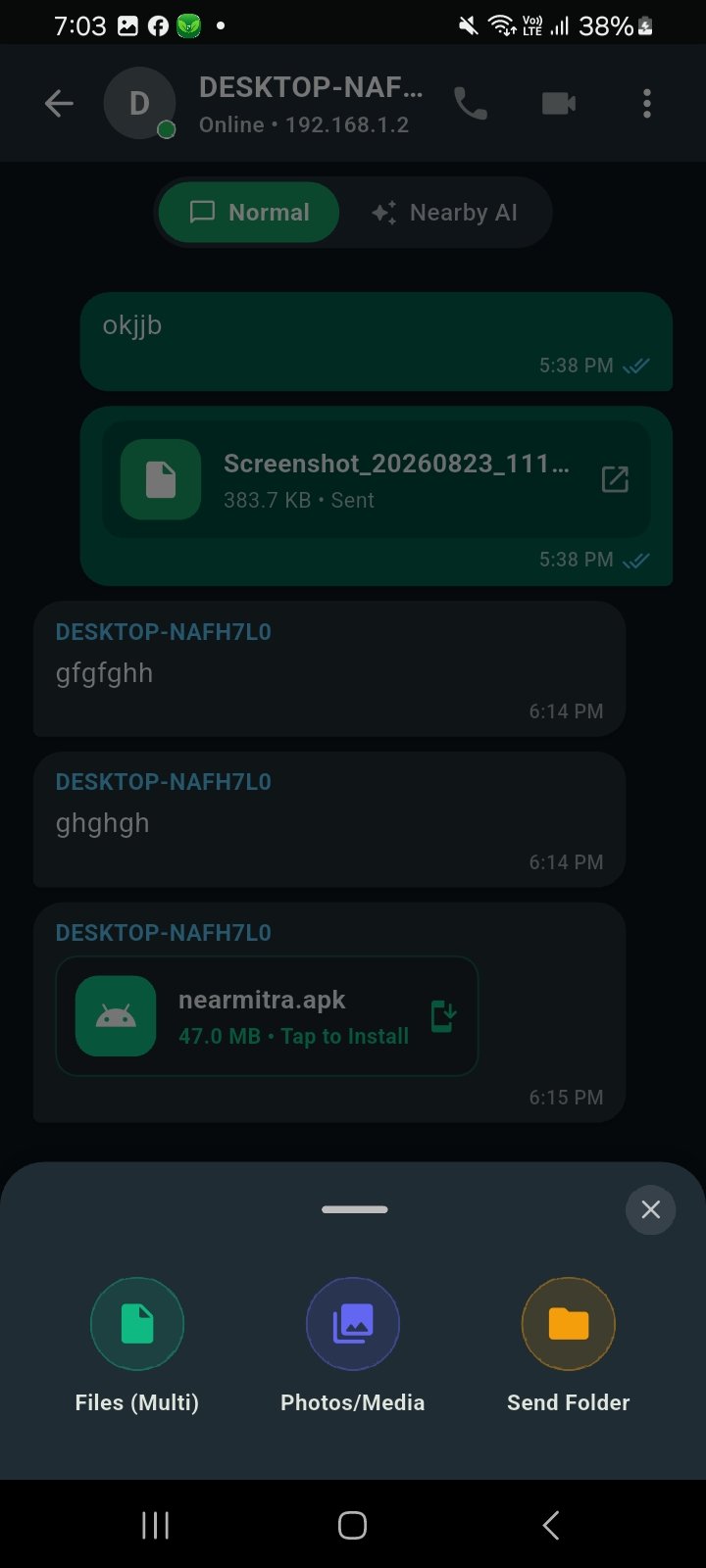
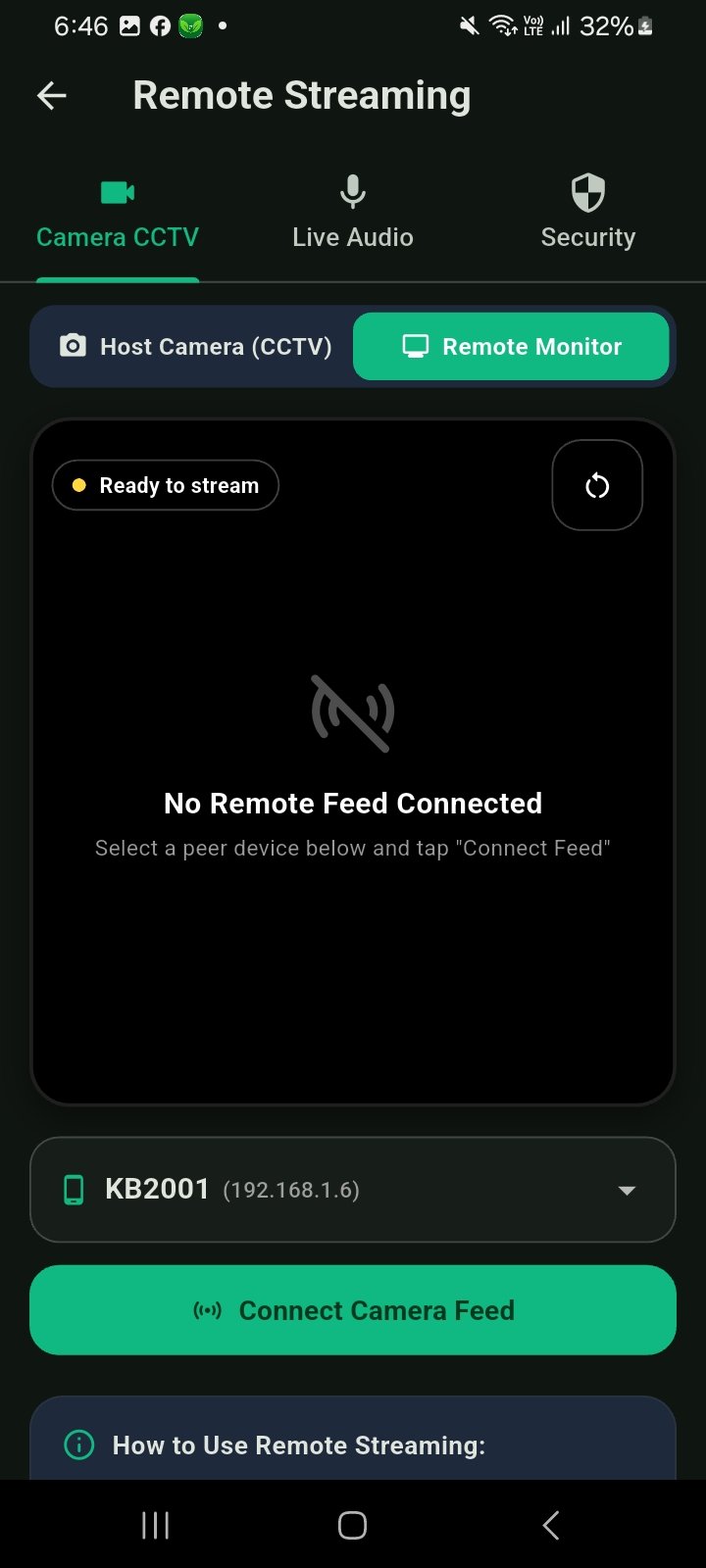
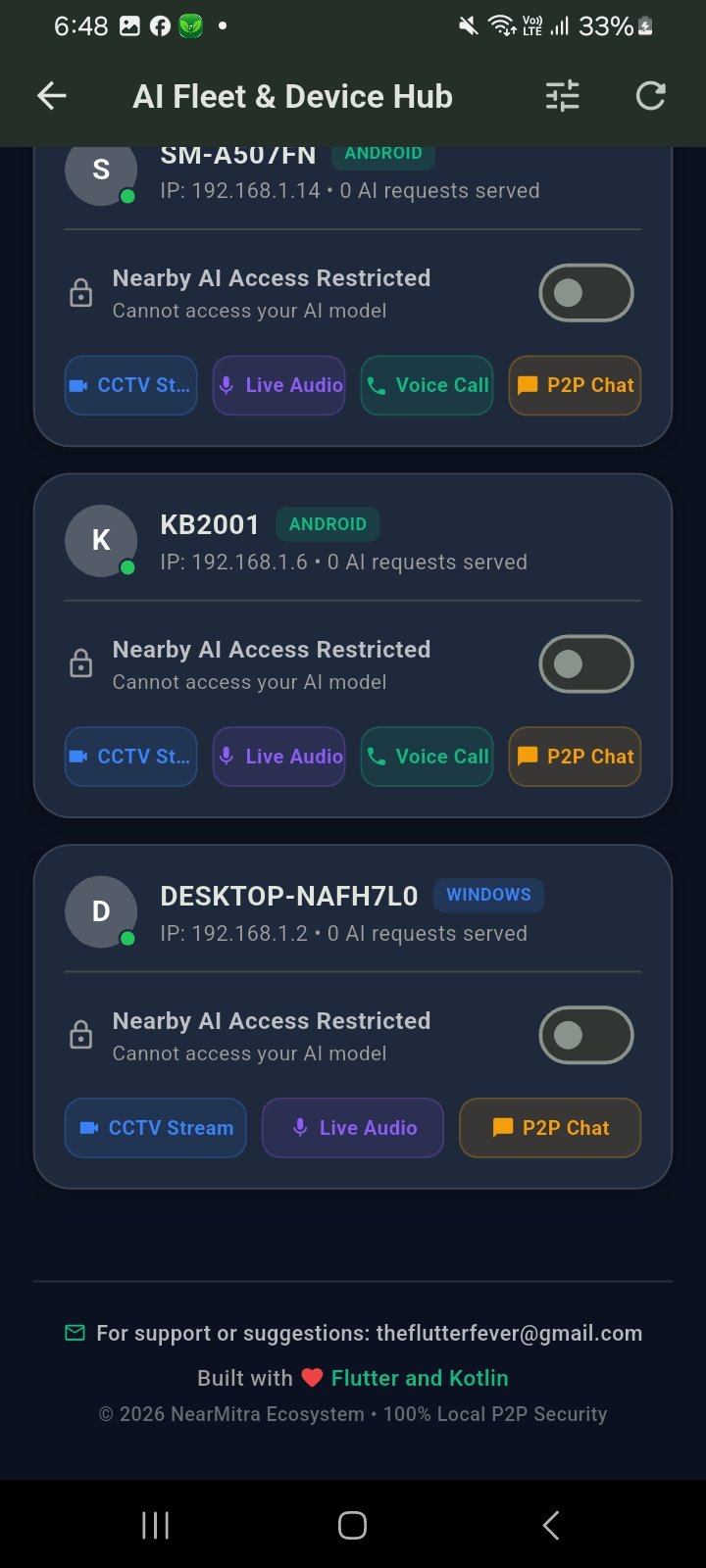
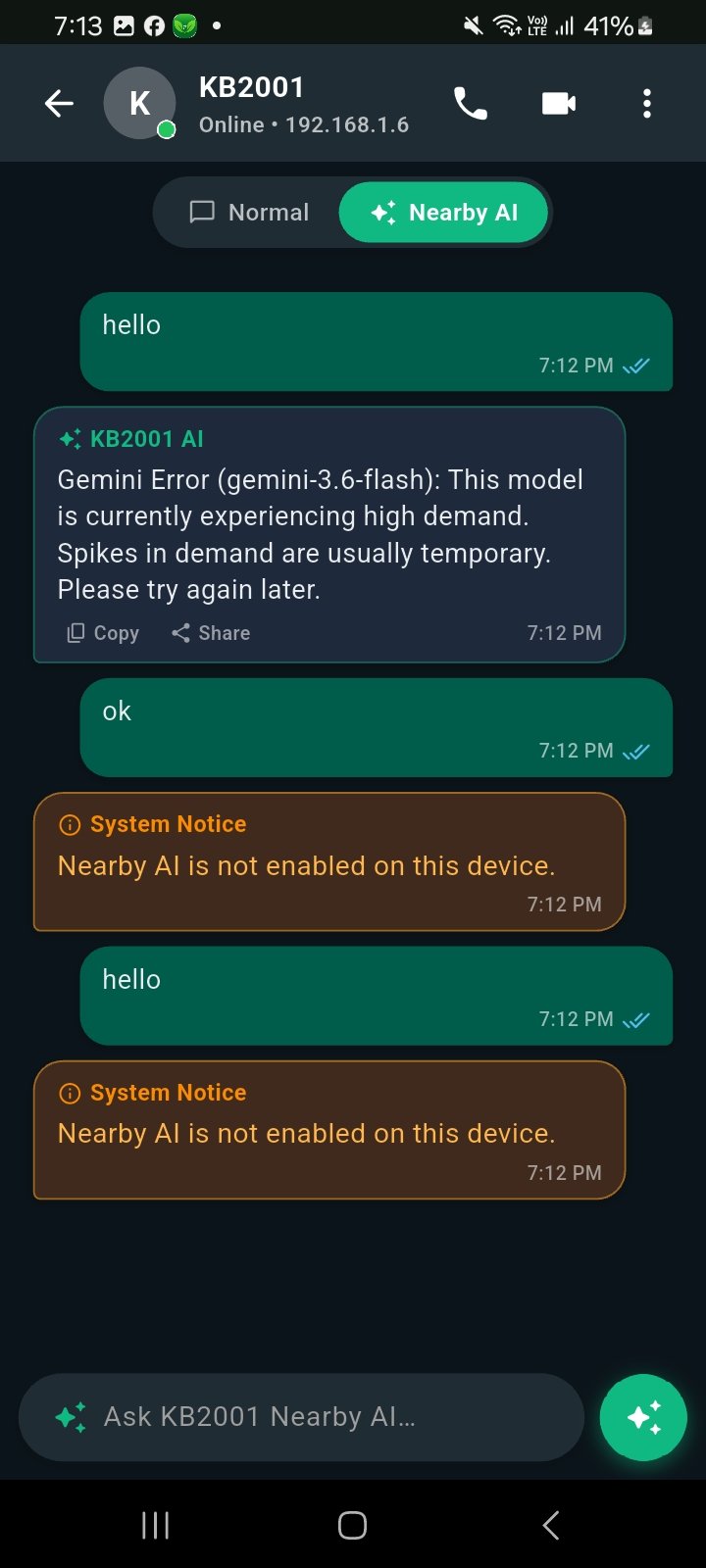
14 uploaded screenshots available
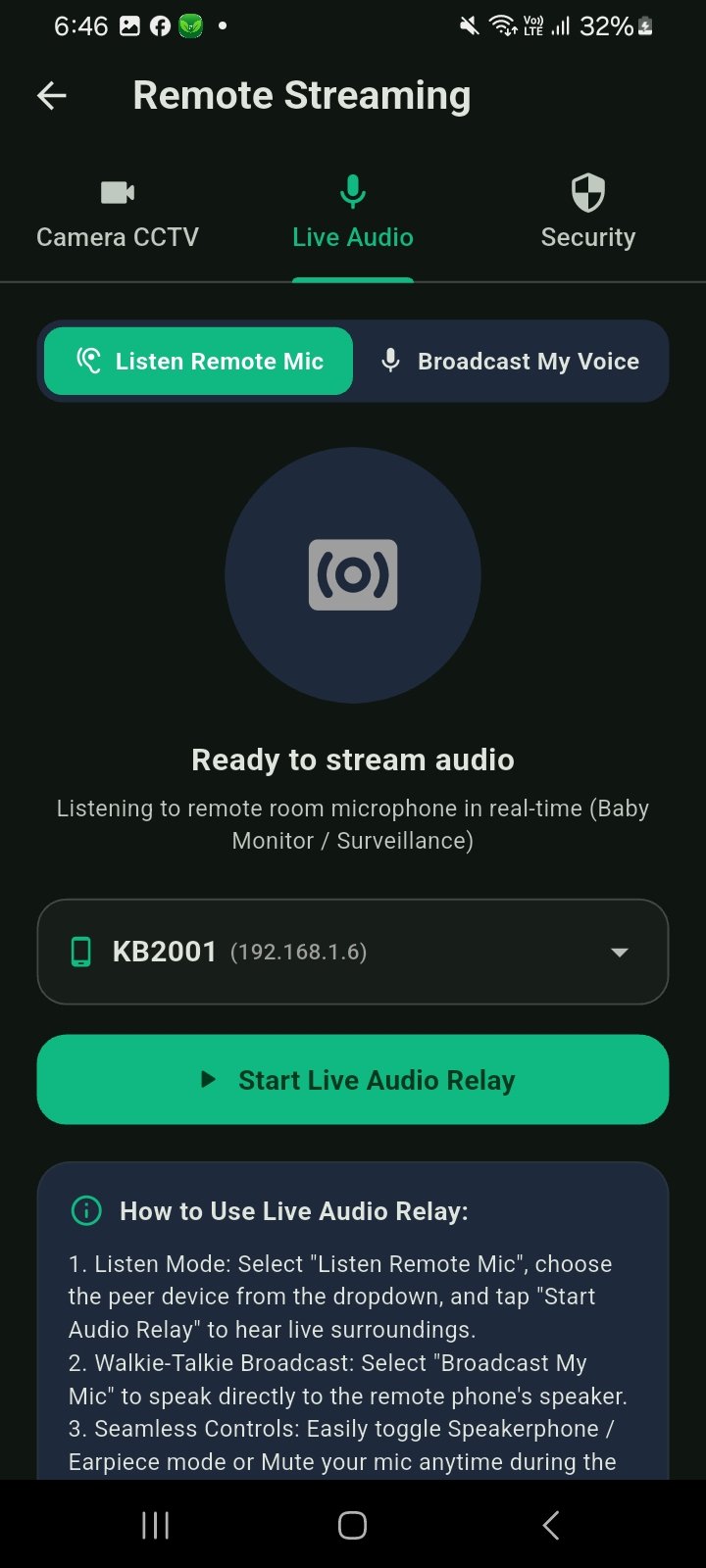
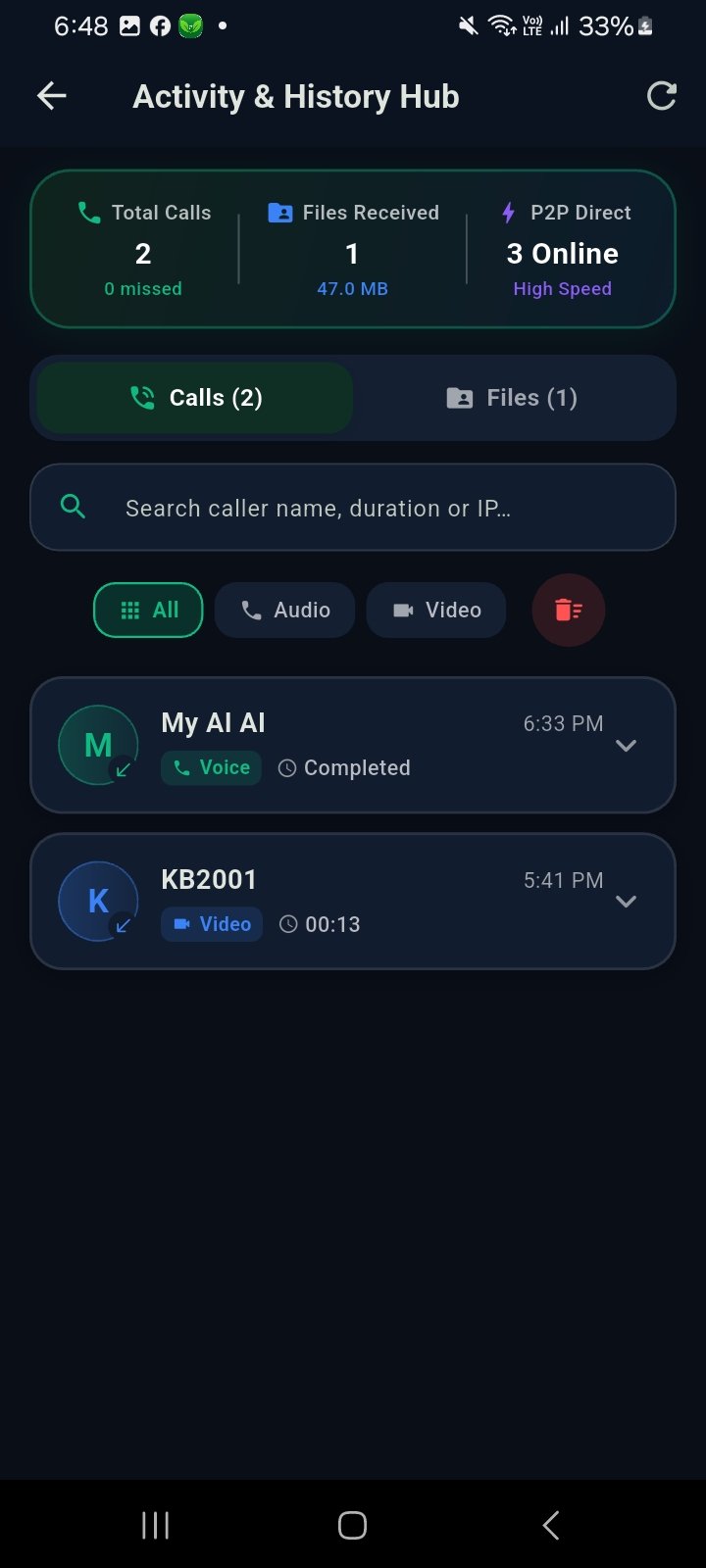
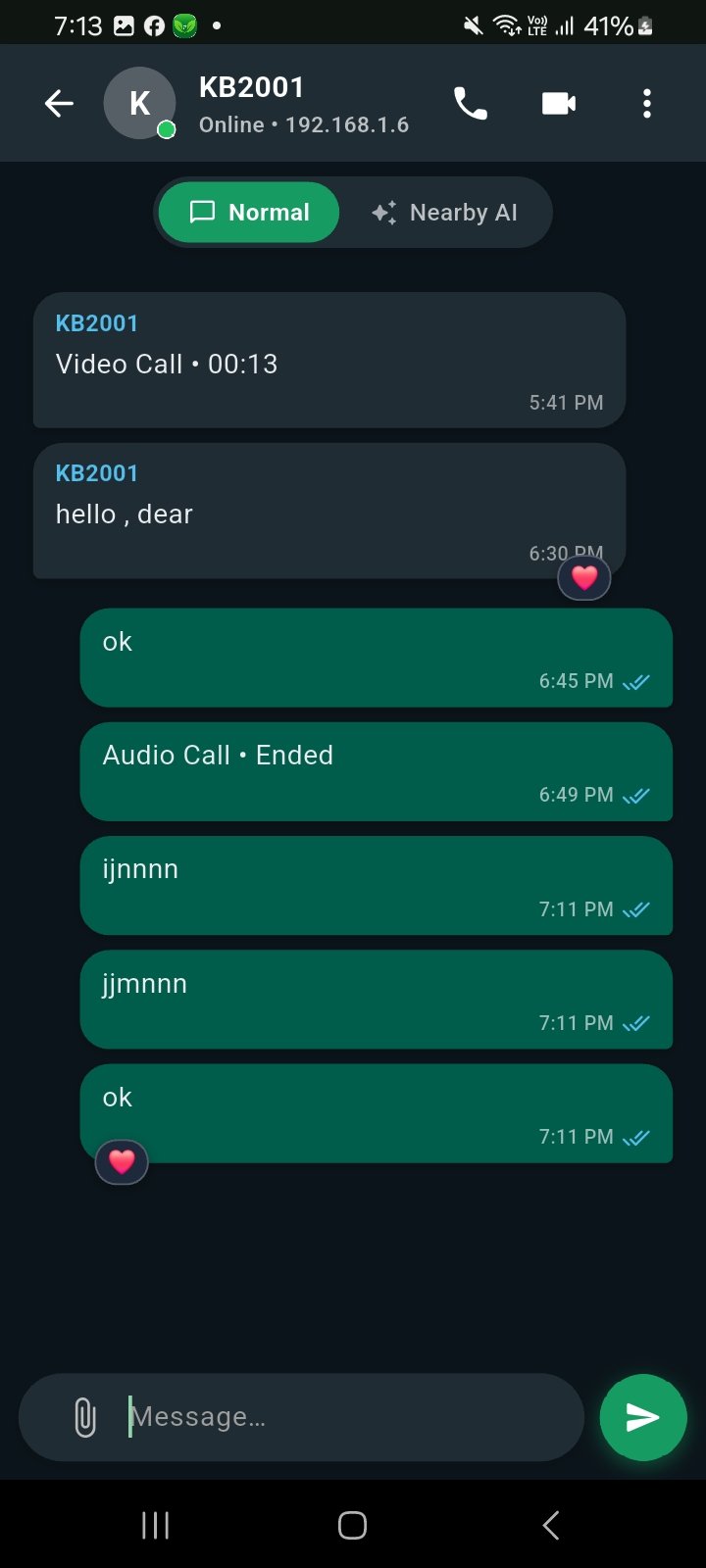
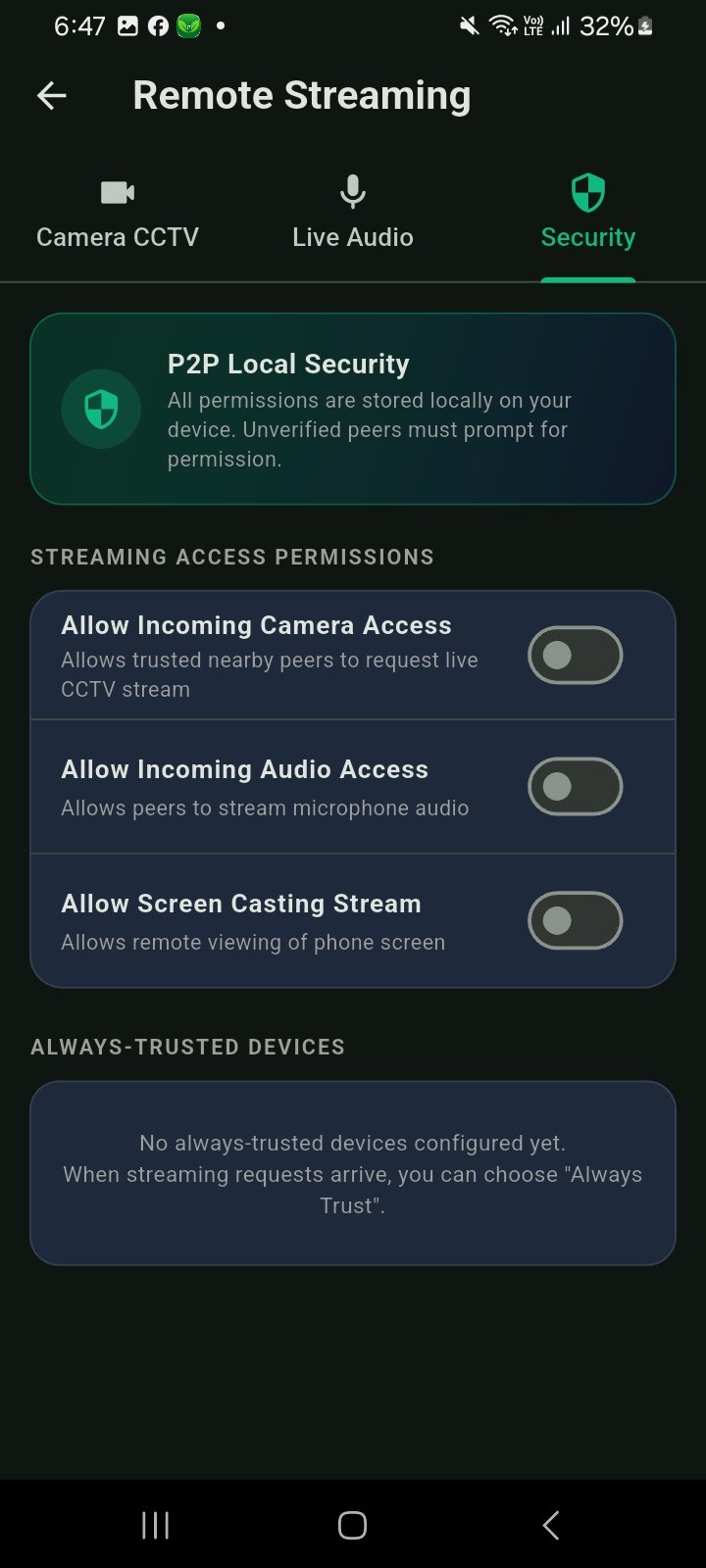
Template demo video
Watch the app flow before opening the source package.
About this template
NearMitra is a free, open-source cross-platform connectivity application designed to connect Android smartphones and Windows PCs through local networking and supported peer-to-peer connections.
Built using Flutter, Kotlin, Go and web technologies, NearMitra combines wireless file sharing, device discovery, local messaging, Nearby AI, voice and video communication, and audio streaming in one connected workspace.
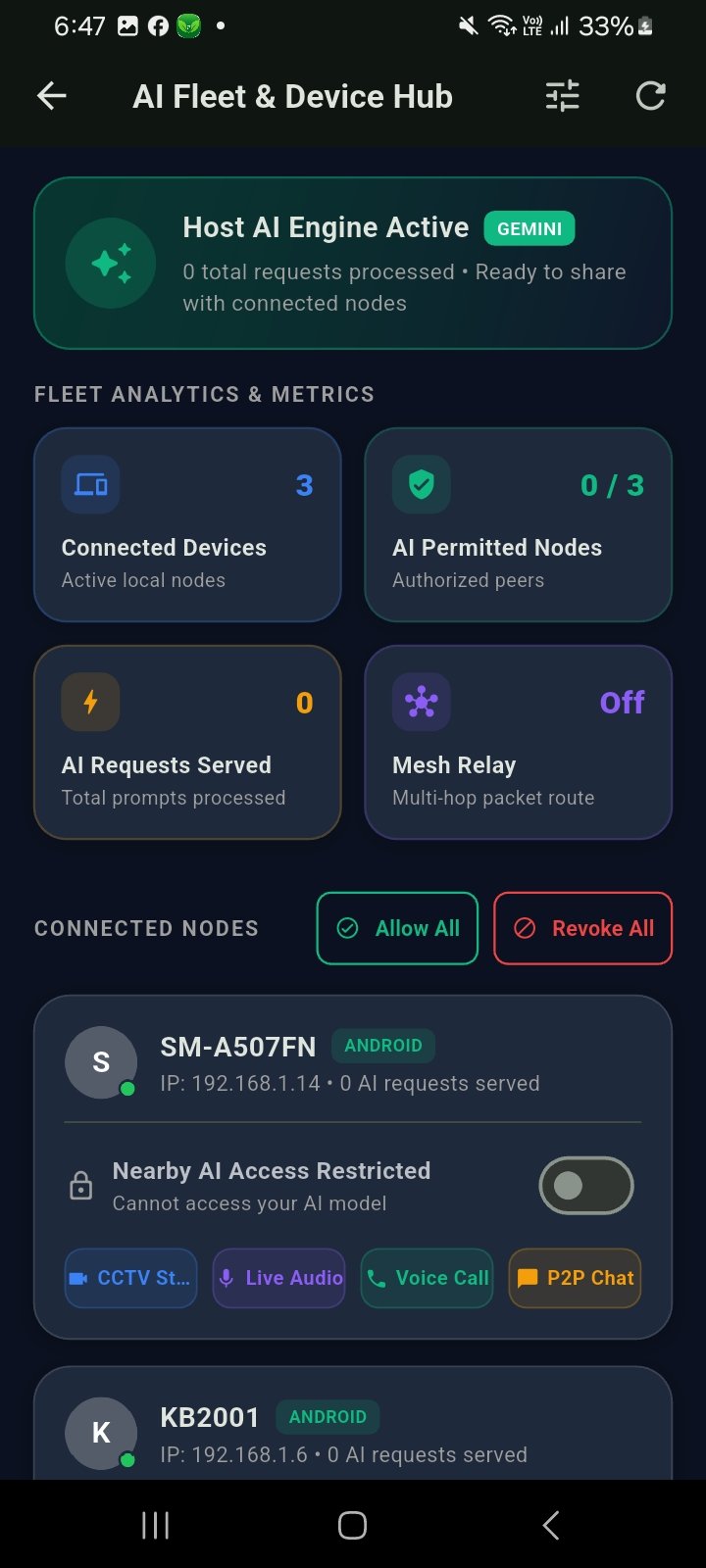
Unlike traditional file-sharing tools, NearMitra also allows an approved Android phone to interact with a locally hosted AI model running on a Windows PC, including models served through Ollama.
KEY FEATURES
1. Android & Windows File Sharing
Transfer files and folders wirelessly between supported Android and Windows devices over local network connections.
2. Nearby Device Discovery
Discover compatible devices through LAN, Wi-Fi Direct and supported peer-to-peer connectivity mechanisms.
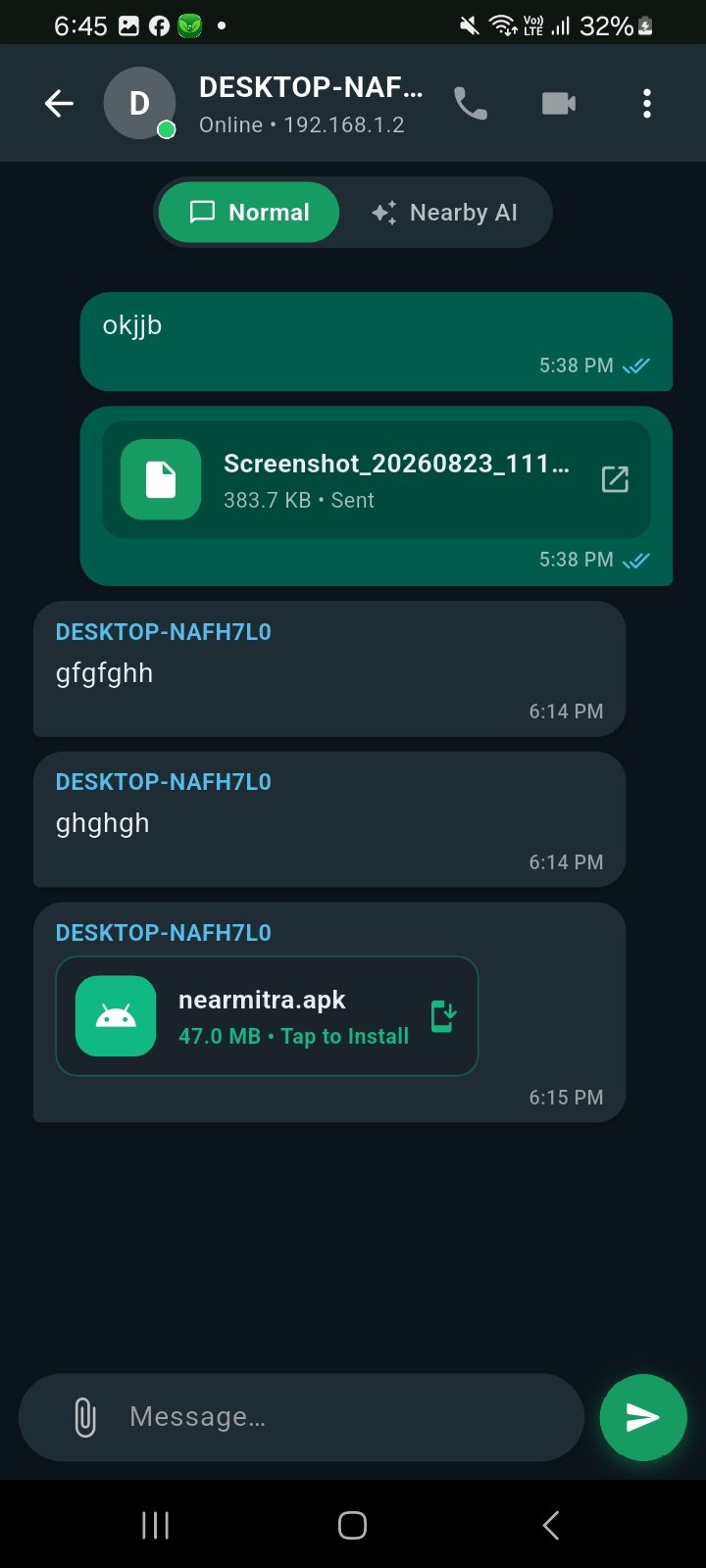
3. Local Chat & Messaging
Exchange messages and supported attachments between connected devices.
4. Nearby AI with Ollama
Access a configured Ollama model running on a Windows computer directly from an approved Android device.
5. Voice & Video Communication
Make supported voice and video calls between connected devices, with permission-controlled media access.
6. Camera & Screen Sharing
Share supported camera streams or screen content after granting the required permissions.
7. Windows-to-Android Audio Streaming
Stream supported PC audio to an Android device using NearMitra's Wi-Fi Audio functionality.
8. Local-First Connectivity
Use supported nearby communication features without depending on cloud storage or a public internet connection.
9. Optional WAN Communication
NearMitra documents optional remote connectivity using separately configured Firebase Realtime Database and WebRTC infrastructure.
10. Open-Source Architecture
Explore and extend a GPL-3.0-only licensed project involving Flutter, Android native integration and Windows desktop services.
TECHNOLOGY STACK
Android Frontend: Flutter (Dart)
Android Native Integration: Kotlin
Windows Backend: Go
Windows Interface: Web-based UI
Local Connectivity: LAN, TCP and supported Wi-Fi Direct/P2P
Optional Remote Connectivity: Firebase RTDB and WebRTC
AI Integration: Ollama and supported configured AI engines
License: GPL-3.0-only
INSTALLATION & SETUP
1. Visit the official NearMitra website.
2. Open the Downloads section.
3. Download the published Android APK and Windows x64 installer.
4. Install the application on both devices.
5. Connect the devices through a supported local network.
6. Discover the nearby device and approve the connection.
7. Start using supported messaging and file-sharing functionality.
For Nearby AI, install and configure Ollama separately on the Windows PC, select a supported model and explicitly enable AI sharing for the approved Android device.
SYSTEM REQUIREMENTS
Compatible Android smartphone
Windows x64 computer for the published Windows build
Supported local network or peer-to-peer connectivity
Required device permissions for selected features
Ollama installed and configured for local AI functionality
Firebase/WebRTC configuration for optional WAN features
PRIVACY & SECURITY
NearMitra supports permission-controlled connections and local communication. However, not all local transport paths provide end-to-end encryption. Users should prefer trusted networks and review permissions before sharing sensitive information.
FUTURE ROADMAP
The NearMitra project outlines potential AI agent and Model Context Protocol (MCP) integration. These planned capabilities could expand the application into permission-controlled AI-assisted device workflows. However, AI agents and MCP integrations are not currently available features.
WHO SHOULD USE NEARMITRA?
NearMitra is suitable for Flutter developers, Android and Windows users, students, open-source contributors, local AI enthusiasts and anyone exploring wireless cross-device connectivity.
It is particularly useful for people who want to transfer files without USB cables, access desktop-hosted Ollama models from Android, communicate across devices and experiment with open-source networking technologies.
OFFICIAL WEBSITE
https://coderbaba0.github.io/nearmitra/index.html
DOWNLOADS
Visit the official NearMitra website and use its download links for the published Android APK and Windows installer.
NearMitra brings together local-first file transfer, connected-device communication and desktop-hosted AI access in a single open-source project, offering a practical connectivity solution for Android and Windows users.
Open the linked GitHub repository to review and clone the Flutter source.
This listing sends users to the repository instead of showing a download button.
Use the template as a starter for client work, learning or app demos.
Use FlutterFever tools with this template workflow.
Related Flutter templates
Explore more mobile app templates with source code, screenshots, setup requirements and demo links.


Blinkit Clone Flutter Ecommerce App Template
A production-ready Flutter quick-commerce UI template with product browsing, dynamic search, cart and checkout screens.
Clean Flutter Starter
A feature-first Flutter starter with theme, Dio networking and Riverpod-ready structure.