

Download Flutter Documentation PDF: Beginner, Intermediate, and Advanced Guides

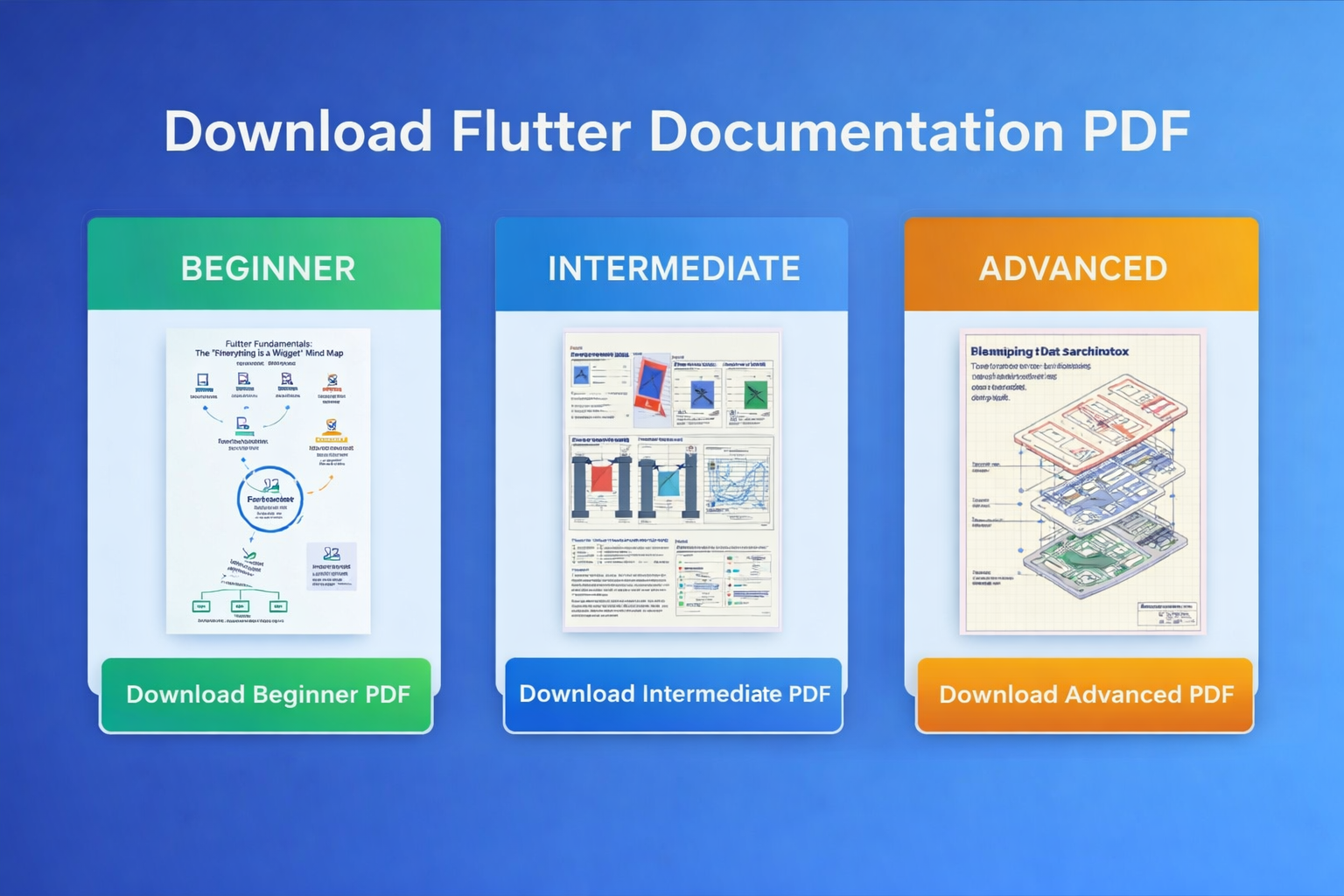
If you are searching for a Flutter documentation summary PDF, this page gives you a clean and useful way to download Flutter learning material at three levels: beginner, intermediate, and advanced. Instead of reading scattered notes across multiple tabs, you can use these focused PDFs to understand Flutter step by step and build stronger fundamentals in UI, layout, architecture, performance, and advanced engineering.
These Flutter PDF guides are especially useful for students, self-learners, job seekers, junior Flutter developers, and working developers who want a structured reference they can save, revise, and reuse. The collection is divided into three levels so readers can start from the basics and gradually move toward high-level Flutter architecture and performance engineering.
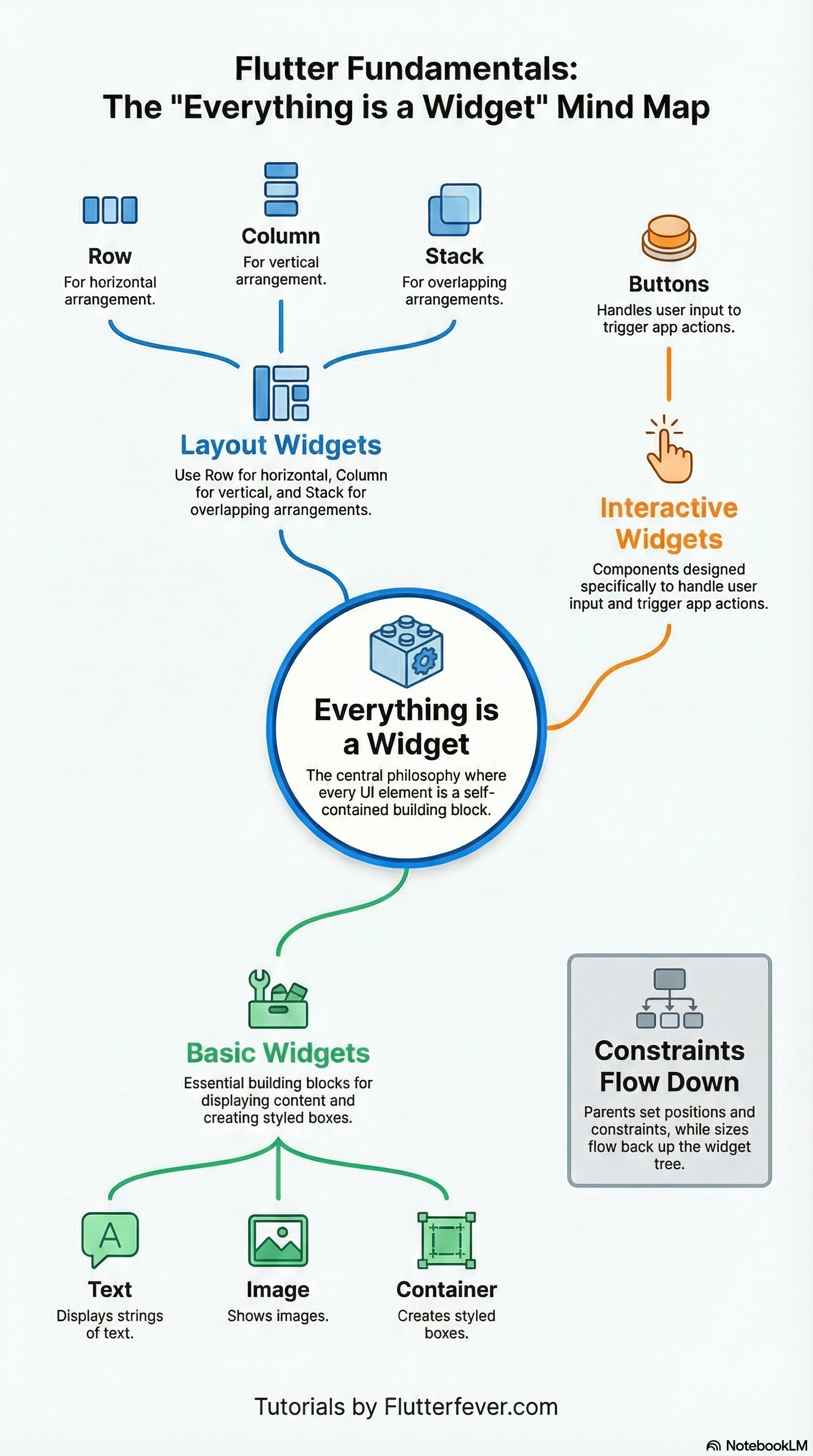
The beginner Flutter documentation PDF starts with the most important idea in Flutter: everything is a widget. It explains how Flutter builds the UI as a widget tree, why layout depends on constraints flowing down and sizes flowing up, and how common widgets like Scaffold, AppBar, Container, Row, Column, Image, and Icon are used in real apps. It also introduces layout widgets, text styling, interactivity, forms, navigation, and asset registration in pubspec.yaml, then closes with practical best practices like keeping widget trees shallow, using const aggressively, and favoring composition over inheritance.
The intermediate Flutter documentation PDF goes deeper into how Flutter really works under the hood. It explains the layout protocol in a more technical way, including the relationship between widgets, the element tree, and render objects. It then covers advanced scrolling with slivers and CustomScrollView, declarative state and state categorization, lifting state to common ancestors, clean separation of UI and data layers, performance optimization with Impeller and DevTools, and responsive design using MediaQuery and LayoutBuilder. For developers who already know the basics, this PDF acts like a bridge from widget usage to professional architectural thinking.
The advanced Flutter documentation PDF is positioned for engineers who want to understand Flutter beyond ordinary app-level usage. Its visual diagrams focus on advanced architecture themes such as custom graphics, fragment shaders, Impeller, native integration, Dart VM boundaries, method channels versus FFI, profiling with DevTools, frame-budget discipline, jank diagnosis, and thread-level architectural thinking. The document is clearly designed for readers who want to understand how Flutter behaves closer to the engine, GPU, native platform, and performance tooling level.
This three-level structure makes the page highly useful for search intent because users looking to download Flutter documentation PDF are usually not all at the same stage. Some want beginner widget notes, some want layout and architecture understanding, and others want advanced performance and native integration material. By offering all three on a single page, you satisfy broader Flutter download intent while still keeping the content organized.
What is included in these Flutter PDF guides?
The beginner PDF covers Flutter fundamentals such as widget philosophy, layout rules, basic widgets, layout widgets, text widgets, input handling, forms, navigation, assets, and beginner-friendly best practices. It is best for readers who are starting Flutter or revising the basics before interviews or projects.
The intermediate PDF covers layout internals, constraint handling, slivers, declarative state management, app state vs ephemeral state, scalable UI/data separation, performance optimization, Impeller, DevTools, and responsive design. It is best for developers who already build screens but want to write cleaner, more scalable Flutter code.
The advanced PDF covers engine-adjacent topics such as custom fragment shaders, native OS boundaries, FFI, platform channels, profiling, 120fps frame awareness, jank diagnosis, and thread orchestration. It is best for senior learners and performance-focused Flutter developers.
Download Flutter PDFs Books For Beginners
Use these three download buttons on your page:
Why this page is useful for users
Many users search for Flutter documentation in downloadable form because they want material they can read offline, share with friends, revise before interviews, or keep as a compact study reference. A good Flutter documentation Download PDF page should not just offer files. It should also explain what each PDF contains and who it is for.
This page does that by guiding the reader clearly:
- If you are new to Flutter, start with the beginner PDF.
- If you already know widgets and want architecture clarity, go to the intermediate PDF.
- If you want performance, native integration, and advanced rendering knowledge, download the advanced PDF.
That user-path structure also helps search engines understand the relevance of the page for multiple keyword variations around Flutter PDF downloads.
Download Flutter documentation PDF guides for all skill levels.
Get beginner, intermediate, and advanced Flutter PDFs covering widgets, layout, state management, architecture, performance, DevTools, shaders, and native integration. These guides are useful for offline study, revision, and practical Flutter learning.
FAQ
Flutter documentation is the official and practical learning material that explains how Flutter works, including widgets, layout, navigation, state management, performance, theming, and app architecture. Developers use Flutter documentation to learn concepts, understand APIs, and solve real development problems.
You can download Flutter documentation PDF resources from curated study pages like this one, where the content is organized into beginner, intermediate, and advanced levels. A structured Flutter documentation PDF is useful for offline reading, revision, and step-by-step learning.
Flutter documentation usually covers widget fundamentals, UI layout, state management, routing, forms, assets, themes, animations, performance optimization, DevTools, architecture, and advanced integration topics. A good Flutter documentation summary PDF makes these topics easier to understand in one place.
A Flutter documentation summary PDF helps save time because it brings important concepts together in an easy-to-read format. Instead of searching multiple pages, users can study Flutter documentation in a single downloadable guide.
Yes, Flutter documentation PDF files are useful for interview preparation because they help revise important concepts quickly. Topics like widget tree, state management, navigation, layout constraints, performance, and architecture are often asked in Flutter interviews.
The best Flutter documentation PDF for beginners is one that explains Flutter widgets, layout rules, common UI components, and app structure in a simple and practical way. It should help new developers understand how Flutter builds screens and handles user interaction.
A Flutter documentation summary PDF makes learning easier by collecting key concepts in one place.
Keywords:
- Flutter Documentation
- Flutter documentation PDF
- Download Flutter documentation PDF
- Flutter documentation summary PDF
- Flutter PDF for beginners
- Intermediate Flutter PDF
- Advanced Flutter PDF Book
- Flutter study material PDF
- Flutter notes PDF
- Flutter architecture PDF