

Flutter GetX Routing and Navigation Guide: Named Routes, Middleware, Arguments and Nested Navigation

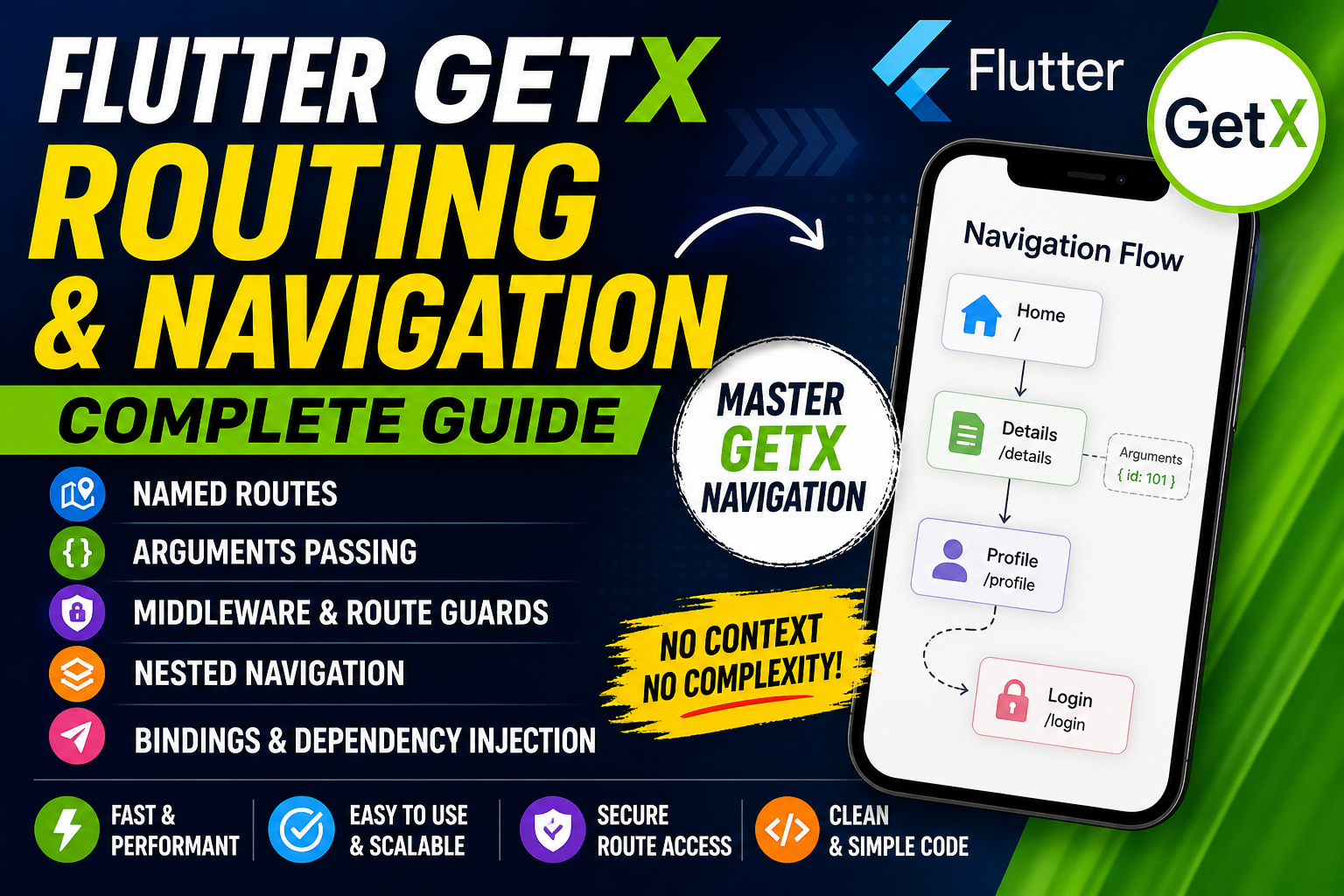
Navigation is a fundamental part of any mobile application. In Flutter, managing routes and navigation can become complex as your application scales. Traditional navigation methods using Navigator often require boilerplate code, context passing, and complex route handling.
This is where GetX simplifies everything.
GetX provides a powerful and flexible routing system that removes the need for context, simplifies navigation calls, and introduces advanced features like named routes, middleware, bindings, and nested navigation.
In this comprehensive guide, you will learn how to implement routing in Flutter using GetX, covering everything from basic navigation to advanced production-level patterns.
Why Use GetX for Navigation?
GetX navigation system offers several advantages:
- No need for
BuildContext - Clean and readable syntax
- Built-in support for named routes
- Middleware support (authentication, guards)
- Route-based dependency injection
- Easy argument passing
- Scalable for large applications
Compared to Flutter’s default Navigator, GetX significantly reduces complexity.
if you are new in Getx
Read : Flutter GetX: Complete Guide to State Management Dependency Injection, and Performance
Basic Navigation in GetX
Before diving into advanced concepts, ensure that your app is wrapped with GetMaterialApp.
void main() {
  runApp(GetMaterialApp(
    home: HomePage(),
  ));
}
Navigate to a new screen
Get.to(NextPage());Go back
Get.back();Replace current screen
Get.off(NextPage());Remove all previous routes
Get.offAll(HomePage());These simple methods eliminate the need for context and make navigation more intuitive.
Named Routes in GetX
Named routes are essential for scalable applications.
Define routes
GetMaterialApp(
  initialRoute: '/',
  getPages: [
    GetPage(name: '/', page: () => HomePage()),
    GetPage(name: '/details', page: () => DetailsPage()),
  ],
);
Navigate using named route
Get.toNamed('/details');Benefits
- Clean structure
- Easy maintenance
- Better for large apps
Passing Arguments Between Screens
GetX makes passing data extremely simple.
Sending data
Get.to(DetailsPage(), arguments: "Hello Flutter");Receiving data
var data = Get.arguments;Example
Text(data);You can also pass complex objects like models or maps.
Route Bindings (Dependency Injection with Navigation)
One of the most powerful features of GetX routing is bindings.
Bindings ensure that controllers are initialized when a route is opened.
Create Binding
class DetailsBinding extends Bindings {
  @override
  void dependencies() {
    Get.lazyPut(() => DetailsController());
  }
}
Attach Binding to Route
GetPage(
  name: '/details',
  page: () => DetailsPage(),
  binding: DetailsBinding(),
);
Advantage
- Controllers load only when needed
- Automatic memory management
- Cleaner architecture
Middleware in GetX (Route Guards)
Middleware allows you to control navigation based on conditions such as authentication.
Example: Auth Middleware
class AuthMiddleware extends GetMiddleware {
  @override
  RouteSettings? redirect(String? route) {
    bool isLoggedIn = false;

    if (!isLoggedIn) {
      return RouteSettings(name: '/login');
    }
    return null;
  }
}
Attach Middleware
GetPage(
  name: '/profile',
  page: () => ProfilePage(),
  middlewares: [AuthMiddleware()],
);
Use Cases
- Login authentication
- Role-based access
- Feature restrictions
Nested Navigation in GetX
Nested navigation is useful for bottom navigation bars or tab-based apps.
Example Concept
Each tab has its own navigation stack.
GetNavigator(
  key: Get.nestedKey(1),
  initialRoute: '/home',
  getPages: [
    GetPage(name: '/home', page: () => HomeTab()),
    GetPage(name: '/details', page: () => DetailsTab()),
  ],
);
Navigate inside nested route
Get.toNamed('/details', id: 1);Benefits
- Independent navigation per tab
- Clean architecture
- Better user experience
Navigation with Result (Return Data)
You can also return data when going back.
Send result
Get.back(result: "Success");Receive result
var result = await Get.to(NextPage());Common Navigation Mistakes
- Not using
GetMaterialApp - Forgetting to define routes in
getPages - Using wrong route names
- Not attaching bindings
- Passing null arguments
Best Practices for GetX Navigation
- Always use named routes for large apps
- Use bindings instead of manual controller initialization
- Keep route names centralized
- Use middleware for security
- Avoid mixing Navigator and GetX
Conclusion
GetX routing system is one of the most powerful features of the framework. It simplifies navigation, improves performance, and enables scalable architecture with minimal code.
By mastering named routes, bindings, middleware, and nested navigation, you can build production-ready Flutter applications efficiently.
If you structure your routing properly from the beginning, you will avoid most navigation-related issues in large-scale apps.
Read : Flutter GetX CLI: Complete Guide to Fast Project Setup
FAQ ( Flutter Getx Navigation in 2026 )
Use:Get.to(NextPage());
Define routes in getPages and use:Get.toNamed('/route');
Use GetMiddleware and redirect logic.
Use GetNavigator with nestedKey.
Use GetMiddleware and redirect logic.