

Flutter Crossword Package: Build Interactive Word Puzzle Games in Flutter

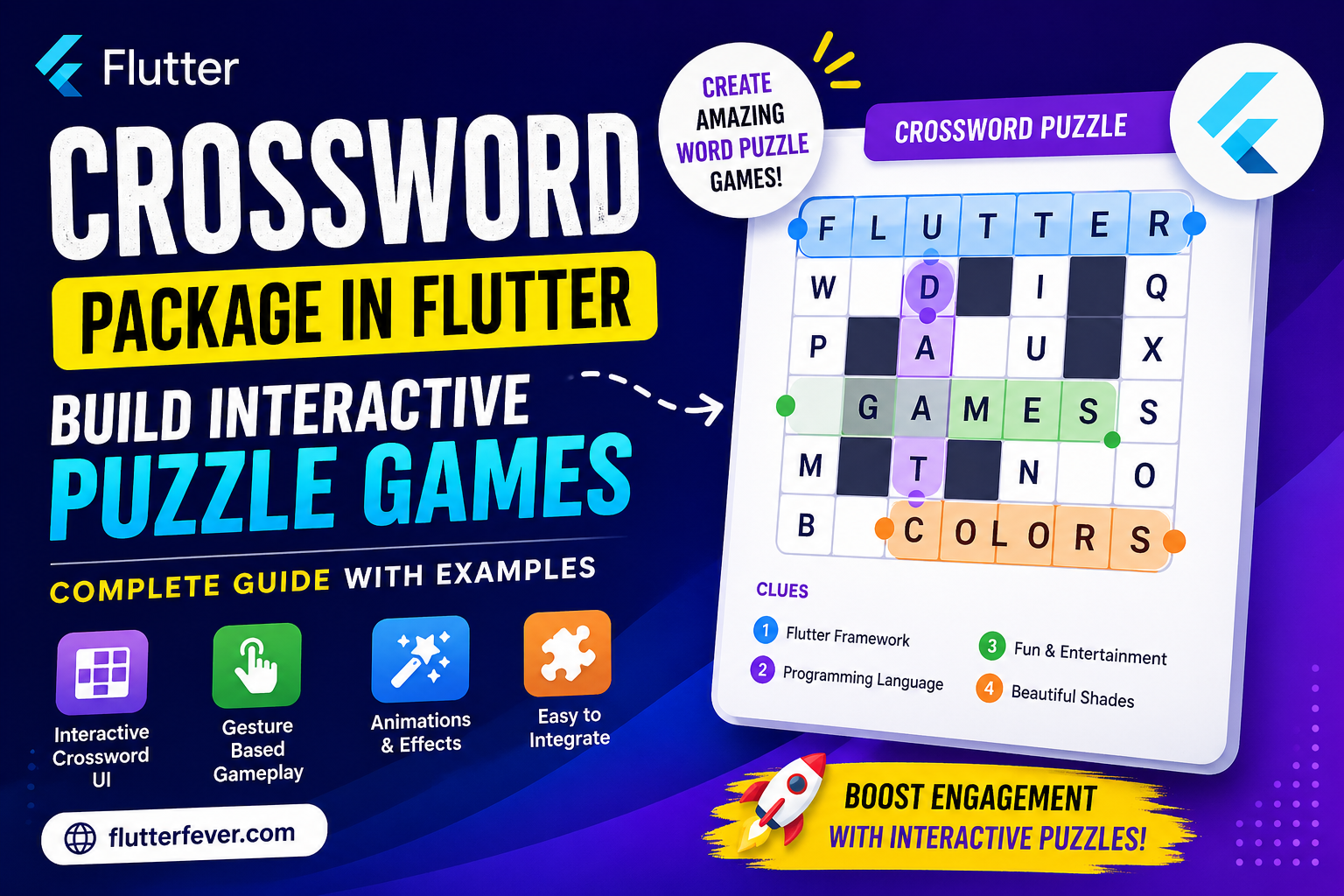
In today’s mobile app ecosystem, user engagement is everything. Whether you are building an educational app, quiz platform, or casual game, adding interactive features like puzzles can significantly improve user retention.
If you are looking to integrate a crossword puzzle game in Flutter, the crossword package is one of the most efficient and developer-friendly solutions available on Pub.dev.
In this detailed guide, you will learn how to use the Flutter crossword package to build interactive word puzzle experiences, along with advanced customization, performance tips, and real-world use cases.
What is the Crossword Package in Flutter?
The crossword Flutter package is a ready-to-use UI component that allows developers to integrate interactive crossword puzzle functionality into their applications.
With this package, you can:
- Create crossword-style letter grids
- Allow users to find and select words
- Provide hints and clues
- Add animations and visual feedback
- Build engaging word-based games
This eliminates the need to build complex grid logic and gesture handling from scratch.
Why Use Crossword Package in Flutter?
Building a crossword game manually requires:
- Grid generation logic
- Gesture detection (swipe, drag)
- Word validation algorithms
- UI state management
The crossword package simplifies all of this into a single widget.
Key Advantages
- Fast integration
- Fully customizable UI
- Built-in gesture support
- Animation-ready
- Suitable for both beginners and advanced developers
Read : Flutter Advance Animation: Implicit and Explicit Animations
Installation
Add the package to your pubspec.yaml:
dependencies:
  crossword: ^1.3.2
Import it in your Dart file:
import 'package:crossword/crossword.dart';Basic Example: Create a Simple Crossword Puzzle
Here is a minimal implementation:
Crossword(
  letters: const [
    ["F","L","U","T","T","E","R"],
    ["G","A","M","E","S","X","Y"],
  ],
  spacing: const Offset(30, 30),
  hints: const ["FLUTTER", "GAMES"],
)
Explanation
letters: Defines the crossword gridhints: Words users need to findspacing: Controls layout spacing
Core Concepts Explained
1. Letter Grid (2D Matrix)
The crossword grid is defined using a 2D list:
letters: [
  ["F", "L", "U"],
  ["D", "A", "R"],
]
This forms the foundation of the puzzle.
2. Hints / Clues
Hints guide users on which words to find:
hints: ["FLUTTER", "DART"]Ensure that all hint words exist in the grid.
3. Gesture-Based Word Selection
Users can:
- Drag across letters
- Select words horizontally, vertically, or diagonally
- Get visual feedback when a word is found
Advanced Customization
1. Text Styling
textStyle: TextStyle(
  color: Colors.black,
  fontSize: 16,
  fontWeight: FontWeight.bold,
)
2. Line Decoration
lineDecoration: LineDecoration(
  strokeWidth: 26,
  lineGradientColors: [
    [Colors.blue, Colors.red],
  ],
)
This highlights selected words visually.
3. Interaction Control
drawVerticalLine: true,
drawHorizontalLine: true,
drawCrossLine: true,
You can restrict how users interact with the grid.
4. Overlap Control
allowOverlap: falsetrue→ words can overlapfalse→ strict puzzle rules
5. Prevent Incorrect Words
addIncorrectWord: falseEnsures users cannot draw incorrect answers.
Animation Features
Reveal Letter Animation
final GlobalKey<CrosswordState> key = GlobalKey();

Crossword(key: key);

key.currentState!.animate(offset: Offset(7, 3));
Useful for hint systems and guided gameplay.
Letter Pop Animation
letterPopDecoration: LetterPopDecoration(
  onTouchPopScaleFactor: 1.5,
)
Enhances user interaction with smooth animations.
Real-World Use Cases
1. Educational Apps
- Vocabulary building
- Language learning
2. Kids Learning Apps
- Alphabet games
- Word recognition
3. Quiz Applications
- Puzzle rounds
- Word challenges
4. Brain Training Apps
- Memory exercises
- Daily puzzle challenges
Performance Optimization Tips
- Avoid very large grids
- Optimize animations for low-end devices
- Use proper state management (GetX, Provider)
- Limit redraws using efficient widget structure
Read : Flutter GetX: Complete Guide to State Management, Navigation, Dependency Injection, and Performance
Best Practices for Production Apps
- Implement dynamic puzzle generation
- Add scoring system
- Include timer-based challenges
- Provide multiple difficulty levels
- Track user progress
Pros and Cons
Pros
- Easy to integrate
- Rich interactive UI
- Highly customizable
- Supports animations
Cons
- Large grids may impact performance
- Requires manual word placement
- Limited backend integration out of the box
Keywords Targeted
Flutter crossword package
- Crossword puzzle Flutter
- Flutter game development tutorial
- Flutter interactive UI package
- Build puzzle game in Flutter
Conclusion
The Flutter crossword package is a powerful and efficient solution for developers who want to integrate interactive word puzzle games into their apps.
Instead of building everything from scratch, this package allows you to focus on:
- Game logic
- User experience
- Engagement strategies
By using this package effectively, you can transform a simple app into a highly engaging platform.
FAQs
The crossword package is a Flutter library that provides a ready-to-use widget for creating interactive crossword puzzle games.
Yes, it is an open-source package available on Pub.dev.
Yes, you can fully customize text style, spacing, colors, animations, and interaction behavior.
Yes, it includes features like letter reveal animations and touch-based effects.
Yes, but for best performance, you should optimize grid size and implement proper state management.
You need to create your own backend or algorithm to generate crossword grids dynamically.