

How to Integrate AI Features in Flutter Apps in 2026

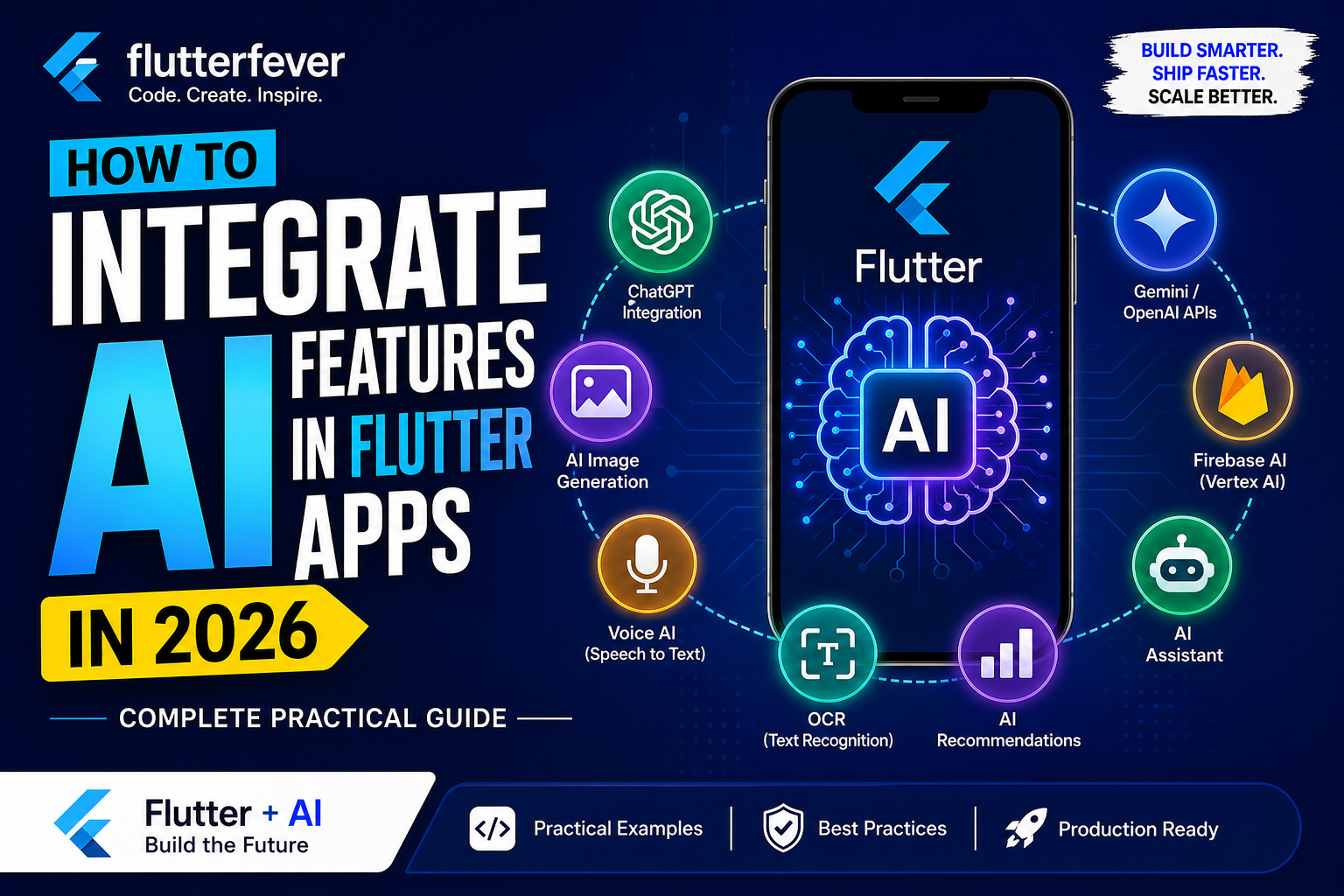
Artificial Intelligence is no longer an experimental technology limited to large enterprises. In 2026, AI has become a core feature of modern mobile applications. From intelligent chatbots and voice assistants to OCR scanning and AI-generated images, users now expect smart experiences inside applications.
At the same time, Flutter has emerged as one of the most powerful frameworks for building high-performance cross-platform applications. Flutter enables developers to build Android, iOS, Web, Windows, macOS, and Linux applications using a single codebase.
The combination of Flutter and AI is transforming the future of app development.
This guide explains how developers can integrate AI features into Flutter applications in 2026 using modern APIs and production-ready architectures. Whether you are a beginner or an experienced developer, this article will help you understand the practical implementation of AI inside Flutter apps.
Why AI + Flutter Is the Future of Mobile Development
AI is changing how users interact with applications. Traditional apps relied on static interfaces and predefined logic. Modern AI-powered applications can now:
- Understand user intent
- Generate intelligent responses
- Recognize images and text
- Process voice commands
- Personalize recommendations
- Automate repetitive tasks
- Generate content dynamically
Flutter is especially suitable for AI integration because:
- Single codebase reduces development cost
- Excellent UI rendering engine
- Fast development with hot reload
- Strong Firebase ecosystem
- Easy REST API integration
- Excellent performance for AI-driven UI
- Growing support for on-device machine learning
As businesses increasingly demand intelligent mobile applications, Flutter developers with AI skills are becoming highly valuable in the software industry.
Core AI Features You Can Add in Flutter Apps
Modern Flutter applications commonly include:
| AI Feature | Example Use Cases |
|---|---|
| ChatGPT Integration | AI chatbots, customer support |
| AI Image Generation | Poster generators, avatars |
| Voice AI | Voice assistants, speech commands |
| OCR | Document scanning, invoice reading |
| AI Recommendations | Personalized feeds |
| AI Assistants | Productivity assistants |
| Firebase AI | Smart analytics, predictions |
| Gemini/OpenAI APIs | Content generation |
Flutter AI Architecture in 2026
A modern AI-enabled Flutter app typically follows this structure:
Flutter Frontend
       ↓
REST API / SDK Layer
       ↓
AI Service Provider
(OpenAI / Gemini / Firebase AI / ML APIs)
       ↓
Database + Cloud Storage
Read : Flutter App Architecture in the AI Era: Why Code Generation Isn’t Enough
Best AI Technologies for Flutter in 2026
| Technology | Purpose |
|---|---|
| OpenAI API | ChatGPT, AI writing |
| Gemini API | Multimodal AI |
| Firebase Vertex AI | AI integrations |
| TensorFlow Lite | On-device ML |
| Google ML Kit | OCR, barcode scanning |
| Whisper AI | Speech recognition |
| ElevenLabs | AI voice generation |
| Stability AI | Image generation |
1. ChatGPT Integration in Flutter
ChatGPT integration is one of the most demanded AI features in mobile apps.
Common Use Cases
- AI customer support
- Farming assistant
- Study assistant
- Health chatbot
- AI writing tools
- Business automation
Step 1: Create OpenAI API Key
Visit:
Generate your API key securely.
Never expose API keys directly inside Flutter apps.
Step 2: Add HTTP Package
dependencies:
  http: ^1.2.0
Read : Dio vs http in Flutter – Which HTTP Client Should You Use in 2026?
Step 3: Create AI Service
import 'dart:convert';
import 'package:http/http.dart' as http;

class OpenAIService {
  final String apiKey = "YOUR_API_KEY";

  Future<String> sendMessage(String message) async {
    final response = await http.post(
      Uri.parse("https://api.openai.com/v1/chat/completions"),
      headers: {
        "Authorization": "Bearer $apiKey",
        "Content-Type": "application/json",
      },
      body: jsonEncode({
        "model": "gpt-4.1",
        "messages": [
          {"role": "user", "content": message}
        ]
      }),
    );

    final data = jsonDecode(response.body);

    return data['choices'][0]['message']['content'];
  }
}
Step 4: Connect with Flutter UI
ElevatedButton(
  onPressed: () async {
    String reply =
        await OpenAIService().sendMessage("Hello AI");

    print(reply);
  },
  child: Text("Ask AI"),
)
Best Practices for ChatGPT Integration
Use Backend Proxy
Never expose API keys in mobile apps.
Recommended flow:
Flutter App → Laravel/Node/ Python Backend → OpenAI APIAdd Streaming Responses
Streaming creates a real-time typing effect.
Benefits:
- Better UX
- Faster response feeling
- Professional chat experience
Maintain Chat History
Store messages in:
- Firebase Firestore
- Supabase
- PostgreSQL
- MongoDB
2. AI Image Generation in Flutter
AI-generated images are becoming extremely popular in social media and business applications.
Use Cases
- AI avatars
- Social media posters
- Product banners
- Agriculture disease visualization
- Interior design previews
- Marketing creatives
Popular APIs for AI Image Generation
| Provider | Best For |
|---|---|
| OpenAI DALL·E | General image generation |
| Stability AI | Artistic images |
| Midjourney APIs | Creative visuals |
| Leonardo AI | Design generation |
Example API Request
final response = await http.post(
  Uri.parse("https://api.openai.com/v1/images/generations"),
  headers: {
    "Authorization": "Bearer API_KEY",
    "Content-Type": "application/json",
  },
  body: jsonEncode({
    "prompt": "A futuristic farm",
    "size": "1024x1024"
  }),
);
Display Generated Image
Image.network(imageUrl)Production Recommendations
Add Image Caching
Use:
cached_network_imageCompress Large Images
Improves:
- Performance
- Storage efficiency
- API cost
3. Voice AI Integration in Flutter
Voice AI is rapidly growing due to smart assistants and accessibility features.
Voice AI Features
- Speech-to-text
- Voice assistant
- Voice search
- Multilingual interaction
- AI call assistant
Speech Recognition Packages
| Package | Purpose |
|---|---|
| speech_to_text | Voice recognition |
| flutter_tts | Text-to-speech |
| whisper APIs | Advanced transcription |
Speech to Text Example
dependencies:
  speech_to_text: ^6.5.0
SpeechToText speech = SpeechToText();
await speech.initialize();
speech.listen(
onResult: (result) {
print(result.recognizedWords);
},
);Text to Speech Example
FlutterTts flutterTts = FlutterTts();

await flutterTts.speak("Hello user");
Advanced Voice AI
Modern apps combine:
Voice Input
   ↓
Speech Recognition
   ↓
AI Processing
   ↓
AI Response
   ↓
Voice Output
This creates a real AI assistant experience.
4. OCR Integration in Flutter
OCR (Optical Character Recognition) extracts text from images.
OCR Use Cases
- Invoice scanning
- Aadhaar/PAN scanning
- Agriculture bill processing
- Medicine label reading
- QR/barcode recognition
Best OCR Solution
Google ML Kit is currently one of the best options.
Add ML Kit Dependency
google_mlkit_text_recognitionOCR Example
final inputImage = InputImage.fromFile(file);

final textRecognizer =
    TextRecognizer(script: TextRecognitionScript.latin);

final RecognizedText recognizedText =
    await textRecognizer.processImage(inputImage);

print(recognizedText.text);
OCR Optimization Tips
Crop Images Before Processing
Benefits:
- Faster OCR
- Better accuracy
Use Camera Resolution Carefully
Very large images slow down recognition.
Read : How to Build AI in Dart & Flutter (Beginner to Advanced Guide with DartPad Examples) – 2026
5. AI Recommendation Systems
Recommendation engines improve engagement and retention.
Examples
- Product recommendations
- Video recommendations
- Farming suggestions
- Personalized feeds
- Crop advisory systems
Recommendation System Architecture
User Activity
      ↓
Analytics Database
      ↓
AI Recommendation Engine
      ↓
Personalized Results
Recommendation Algorithms
| Algorithm | Purpose |
|---|---|
| Collaborative Filtering | User similarity |
| Content-Based Filtering | Similar products |
| Hybrid Systems | Modern recommendation engines |
AI Recommendation Workflow
Collect User Data
Track:
- Clicks
- Searches
- Purchases
- Watch time
- Preferences
Process Data
Use:
- Firebase Analytics
- BigQuery
- Python ML models
Return Recommendations
Flutter app displays dynamic recommendations.
6. Building AI Assistants in Flutter
AI assistants combine multiple AI services.
Components of AI Assistant
| Feature | Technology |
|---|---|
| Chat | OpenAI/Gemini |
| Voice | Speech APIs |
| Memory | Database |
| OCR | ML Kit |
| Recommendations | AI Engine |
| Notifications | Firebase |
Example AI Assistant
A farming AI assistant may:
- Answer crop questions
- Detect disease from images
- Recommend fertilizers
- Predict mandi prices
- Speak in Hindi
- Read bills using OCR
AI Assistant Flow
User Input
    ↓
AI Processing
    ↓
Context Retrieval
    ↓
Response Generation
    ↓
Voice/Text Output
7. Firebase AI Integration
Firebase is becoming increasingly important for AI-enabled mobile applications.
Useful Firebase Services
| Firebase Tool | Usage |
|---|---|
| Firestore | Chat storage |
| Firebase Auth | User authentication |
| Cloud Functions | AI backend |
| Analytics | User tracking |
| Remote Config | AI tuning |
| Vertex AI | AI processing |
Firebase AI Benefits
Scalable
- Secure
- Easy integration
- Realtime sync
- Serverless architecture
Read : GenUI + Firebase AI in Flutter (2026): Building Dynamic, AI-Driven User Interfaces
Recommended Architecture
Flutter App
   ↓
Firebase Functions
   ↓
OpenAI/Gemini APIs
   ↓
Firestore Database
8. Gemini API Integration
Google Gemini is becoming a major AI platform in 2026.
Gemini Advantages
- Multimodal support
- Text + image understanding
- Google ecosystem integration
- Better Android ecosystem compatibility
Gemini Flutter Integration
Install Package
google_generative_aiBasic Example
final model = GenerativeModel(
  model: 'gemini-pro',
  apiKey: apiKey,
);

final response = await model.generateContent([
  Content.text("Explain Flutter AI")
]);

print(response.text);
Gemini Use Cases
- AI search
- Smart assistants
- Multimodal AI
- Image understanding
- Educational apps
OpenAI vs Gemini for Flutter
| Feature | OpenAI | Gemini |
|---|---|---|
| Chat Quality | Excellent | Excellent |
| Image Understanding | Strong | Very Strong |
| Google Ecosystem | Limited | Excellent |
| Multimodal AI | Strong | Excellent |
| Coding Assistance | Excellent | Strong |
Security Best Practices
AI integration introduces security challenges.
Never Store API Keys in Flutter Apps
Incorrect:
String apiKey = "SECRET_KEY";Correct:
- Store in backend
- Use secure token exchange
Add Rate Limiting
Protects against:
- API abuse
- Excessive billing
- Bot attacks
Validate User Inputs
Prevents:
- Prompt injection
- Abuse
- Spam requests
AI App Performance Optimization
Use Pagination
Important for:
- AI chat history
- Image feeds
- Recommendations
Cache AI Responses
Reduces:
- API costs
- Loading time
Use Background Processing
Heavy AI tasks should not block UI threads.
Read : Flutter Performance Optimization in 2026: The Complete Guide to Building High-Performance Apps
Cost Optimization for AI Apps
AI APIs can become expensive.
Recommended Strategies
| Strategy | Benefit |
|---|---|
| Cache responses | Lower API calls |
| Compress images | Lower bandwidth |
| Use smaller models | Lower cost |
| Queue requests | Better scalability |
| Limit tokens | Cost control |
Future of AI in Flutter
The future of Flutter development is deeply connected with AI.
Upcoming trends include:
- On-device AI models
- AI-generated UI
- Autonomous agents
- Real-time multimodal AI
- AI video generation
- Personalized app interfaces
- Voice-first applications
Developers who learn Flutter + AI today will have a major advantage in the coming years.
Final Thoughts
Artificial Intelligence is fundamentally changing application development. Flutter developers who integrate AI capabilities into their apps will be able to build smarter, faster, and more engaging products.
In 2026, AI is no longer optional for modern applications. Whether you are building a startup product, enterprise platform, educational app, healthcare system, or agriculture solution, AI integration can significantly improve user experience and business value.
Flutter provides one of the best ecosystems for AI-powered cross-platform app development because of its flexibility, performance, and rapidly growing ecosystem.
If you are a Flutter developer, this is the ideal time to start building AI-powered applications.
The future belongs to developers who can combine beautiful interfaces with intelligent systems.
Read : Flutter Developer Roadmap 2026: Complete Skill Path, Career Scope, and Future Trends
FAQ
To integrate ChatGPT API in Flutter, developers need to create an OpenAI API key, use the HTTP package or Dio package, send requests to the OpenAI chat completion endpoint, and display responses inside the Flutter UI. For production apps, API requests should always go through a secure backend server.
An AI chatbot in Flutter can be built using OpenAI or Gemini APIs. Developers typically create a chat interface using ListView, manage conversations with state management solutions, and connect the frontend to AI APIs using REST requests or SDKs.
Voice AI can be implemented in Flutter using packages like speech_to_text for speech recognition and flutter_tts for text-to-speech. Advanced applications can also integrate Whisper AI APIs for highly accurate voice transcription.
Gemini API integration in Flutter requires the google_generative_ai package. Developers initialize the Gemini model using an API key and send prompts using the generateContent() method to receive AI-generated responses.
OCR can be implemented using Google ML Kit in Flutter. Developers capture or upload images, process them using google_mlkit_text_recognition, and extract text from documents, invoices, IDs, or labels.
AI image generation in Flutter can be achieved using APIs like OpenAI DALL·E or Stability AI. Developers send prompts to image generation endpoints and display generated images using network image widgets.
AI APIs should never be exposed directly inside Flutter applications. Developers should route requests through secure backend servers, implement authentication, use rate limiting, and store secrets securely using environment variables.
An AI assistant combines multiple technologies including chat APIs, voice recognition, OCR, recommendations, and cloud databases. Flutter acts as the frontend while AI services process user inputs and generate intelligent responses.
Firebase AI integration involves using Firestore for realtime data, Firebase Functions for backend AI processing, Firebase Auth for authentication, and Vertex AI or Gemini APIs for intelligent features.
AI app performance can be optimized by caching API responses, compressing images, using pagination, minimizing token usage, and offloading heavy AI processing to backend services or cloud functions.
Keywords
- how to integrate AI in Flutter apps
- how to build AI apps using Flutter
- Flutter ChatGPT app tutorial
- Flutter Gemini API example
- AI chatbot app in Flutter
- Flutter OCR implementation
- voice AI integration in Flutter
- AI image generation app Flutter
- Firebase AI integration Flutter
- complete Flutter AI development guide