

Flutter Animation Real Life Use Cases That Feel Like Magic (Advanced UI Guide)

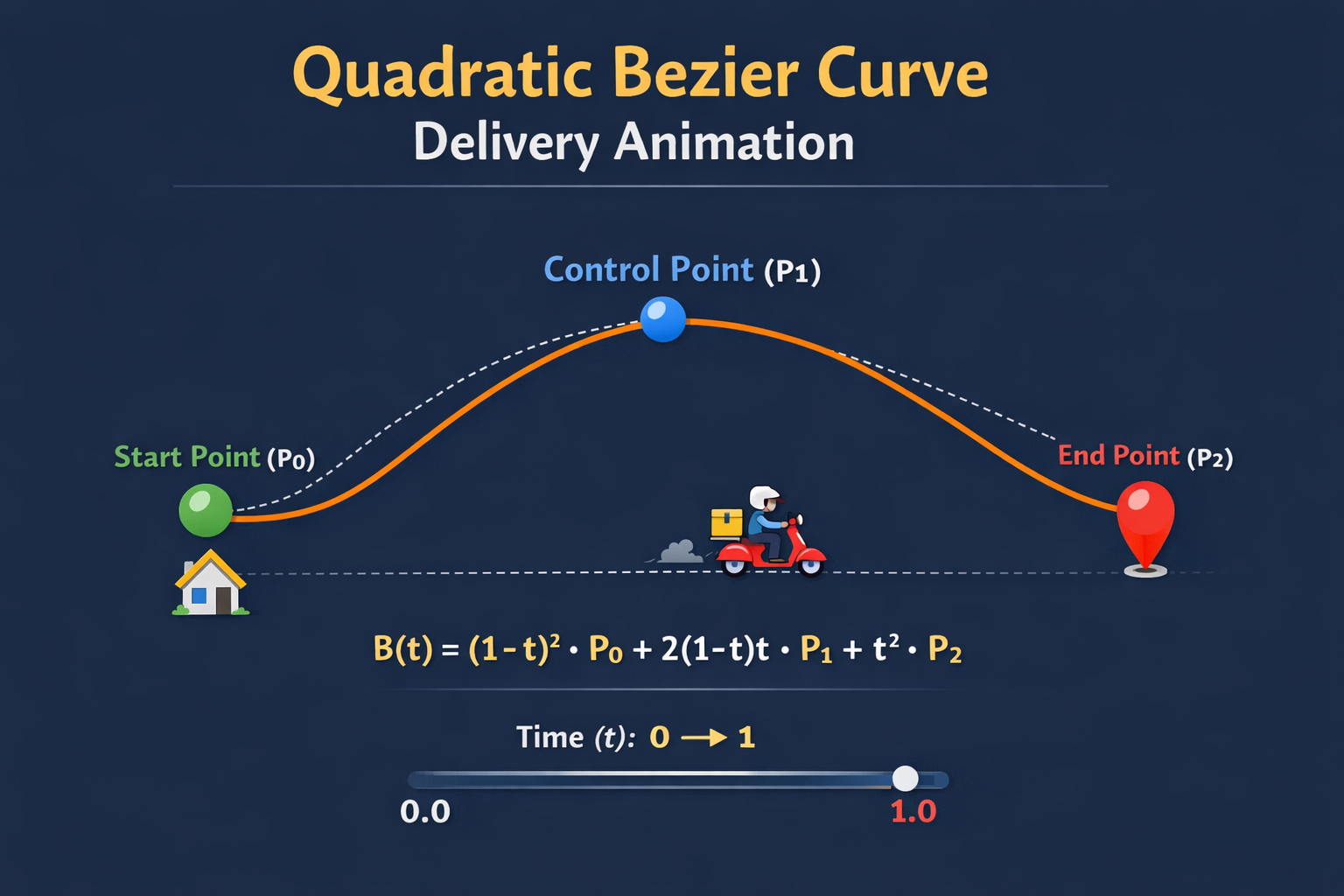
Modern mobile applications are no longer defined only by functionality. The difference between an average app and a high-quality product lies in how it communicates state, feedback, and intent through motion. This is where flutter animation real life use cases become critical.
Animations are not just visual decoration. They serve three core purposes:
- Provide clarity of system state
- Improve user understanding
- Enhance perceived performance
In this article, we will break down three advanced, production-level animation patterns used in real applications:
- Delivery route animation
- AI chat bubble animation
- Add-to-cart animation
For each, we will deeply understand:
- The mathematical foundation
- The Flutter animation pipeline
- The code-level execution
- The real-world impact
For Animation in Flutter : Read Concept of Flutter Advance Animation: Implicit and Explicit Animations
1. Delivery Route Animation (Path-Based Motion System)
Real World Context
In logistics and delivery applications, users need continuous visual feedback:
- Where is the rider currently located?
- What path is being followed?
- How much of the journey is completed?
Instead of jumping markers, modern systems use continuous path animation, which is mathematically driven.
Mathematical Foundation: Bezier Curves
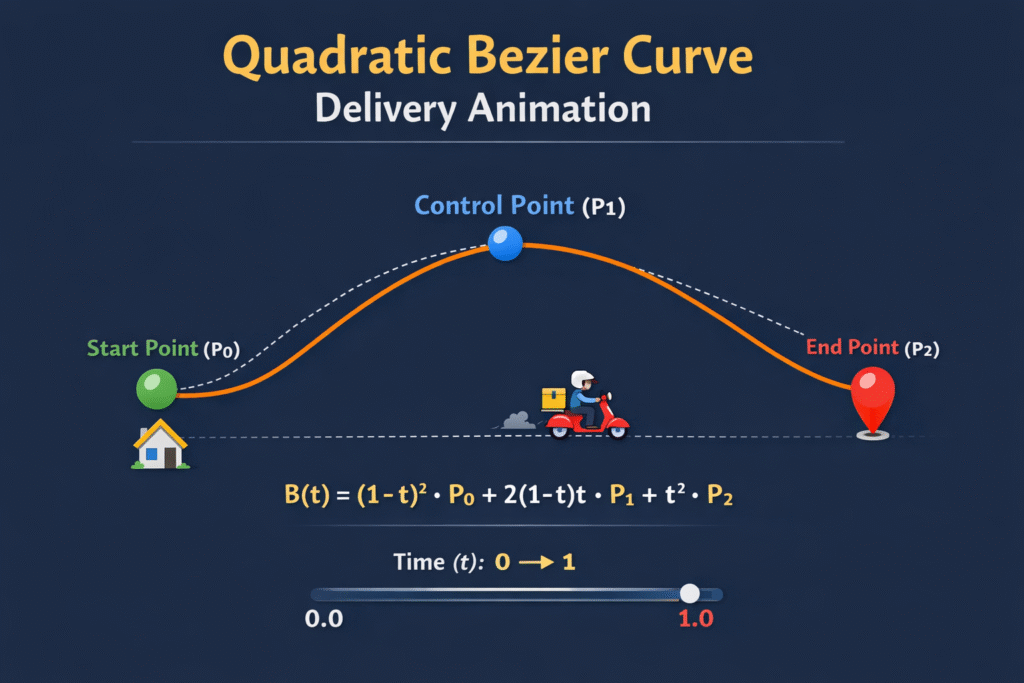
The motion of the rider is controlled using a Bezier Curve, which generates smooth, natural-looking paths.
Flutter Animation Pipeline
The animation works through the following sequence:
- AnimationController
- Generates a continuous value from 0 to 1
- Represents time progression
- Position Calculation
- For each frame, compute (x, y) using Bezier equation
- Rebuild UI
- AnimatedBuilder listens to changes
- Render
- Positioned widget updates location
Code Breakdown (Key Logic)
Offset quadraticBezier(double t) {
  double x =
      pow(1 - t, 2) * start.dx +
      2 * (1 - t) * t * control.dx +
      pow(t, 2) * end.dx;  double y =
      pow(1 - t, 2) * start.dy +
      2 * (1 - t) * t * control.dy +
      pow(t, 2) * end.dy;  return Offset(x, y);
}
Explanation
(1 - t)^2 * startpulls the position toward the start2(1 - t)t * controlshapes the curvet^2 * endpulls toward destination
Together, these produce smooth motion.
Advanced Insight
This same logic is used in:
- Google Maps route drawing
- Ride tracking systems
- Drone path simulations
Run Code
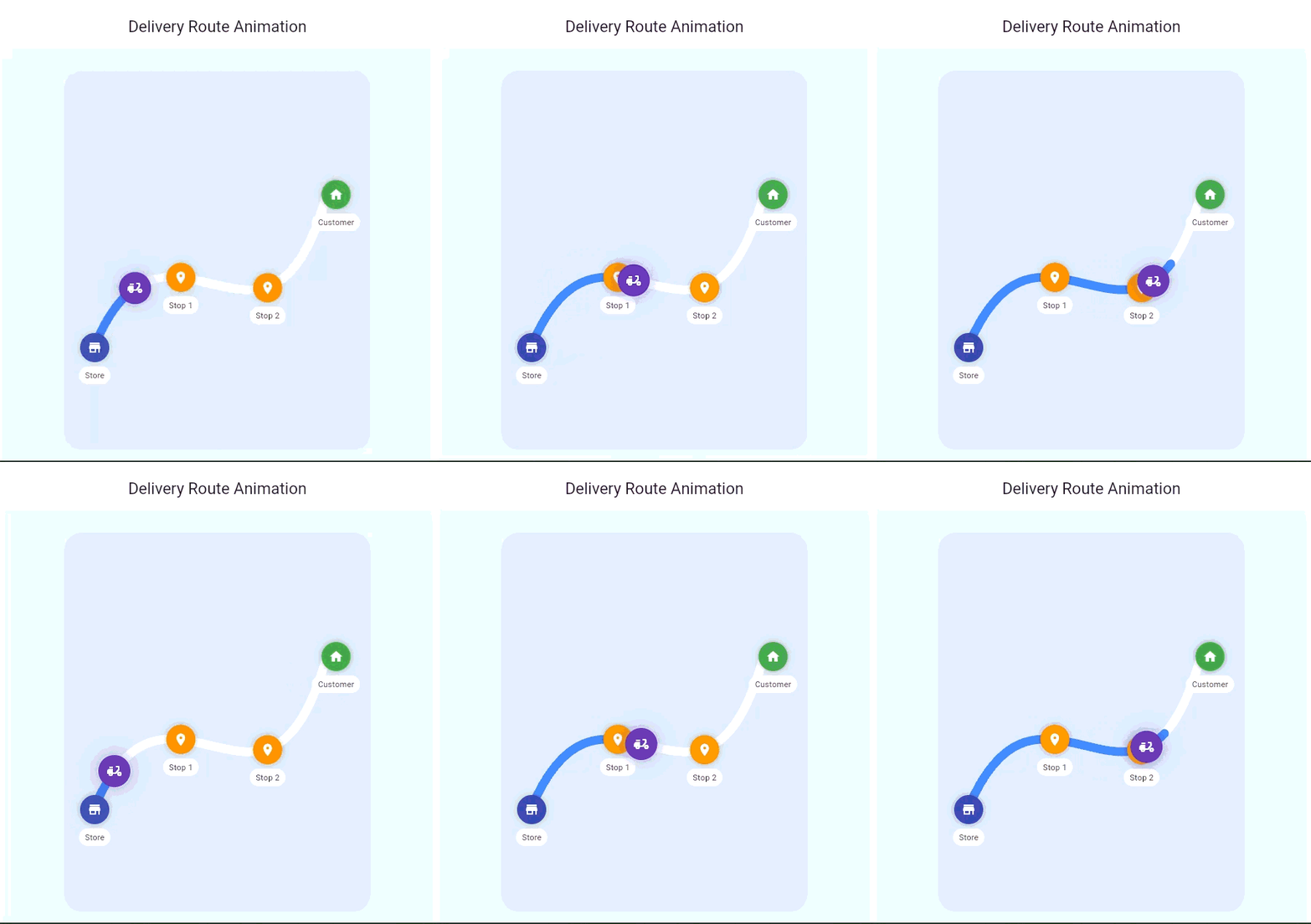
Expected Output:
2. AI Chat Bubble Animation (Microinteraction + Oscillation)
Real World Context
In AI-based applications, users need feedback such as:
- System is thinking
- Response is being generated
- Interaction is active
Static text is insufficient. Instead, modern systems use microinteraction-based animations.
Mathematical Foundation: Sinusoidal Motion
This animation relies on periodic functions, especially sine waves.
Conceptual Understanding
- Sine waves produce smooth repetitive motion
- Ideal for simulating natural processes such as breathing or typing
Flutter Execution Flow
- AnimationController (looping)
- Tween mapping
- Transform.scale
- Dynamic dot movement
Code Breakdown
double y = amplitude * sin(controller.value * 2 * pi);
Explanation
controller.valuemoves from 0 → 1- Multiplying by
2πcreates a full wave - Output produces vertical motion
Breathing Effect
scale = 0.95 + (0.05 * sin(t));
This creates a subtle expansion and contraction.
Advanced Insight
This animation pattern is widely used in:
- AI chat systems
- Voice assistants
- Audio waveform visualizations
- Meditation applications
Run Code:
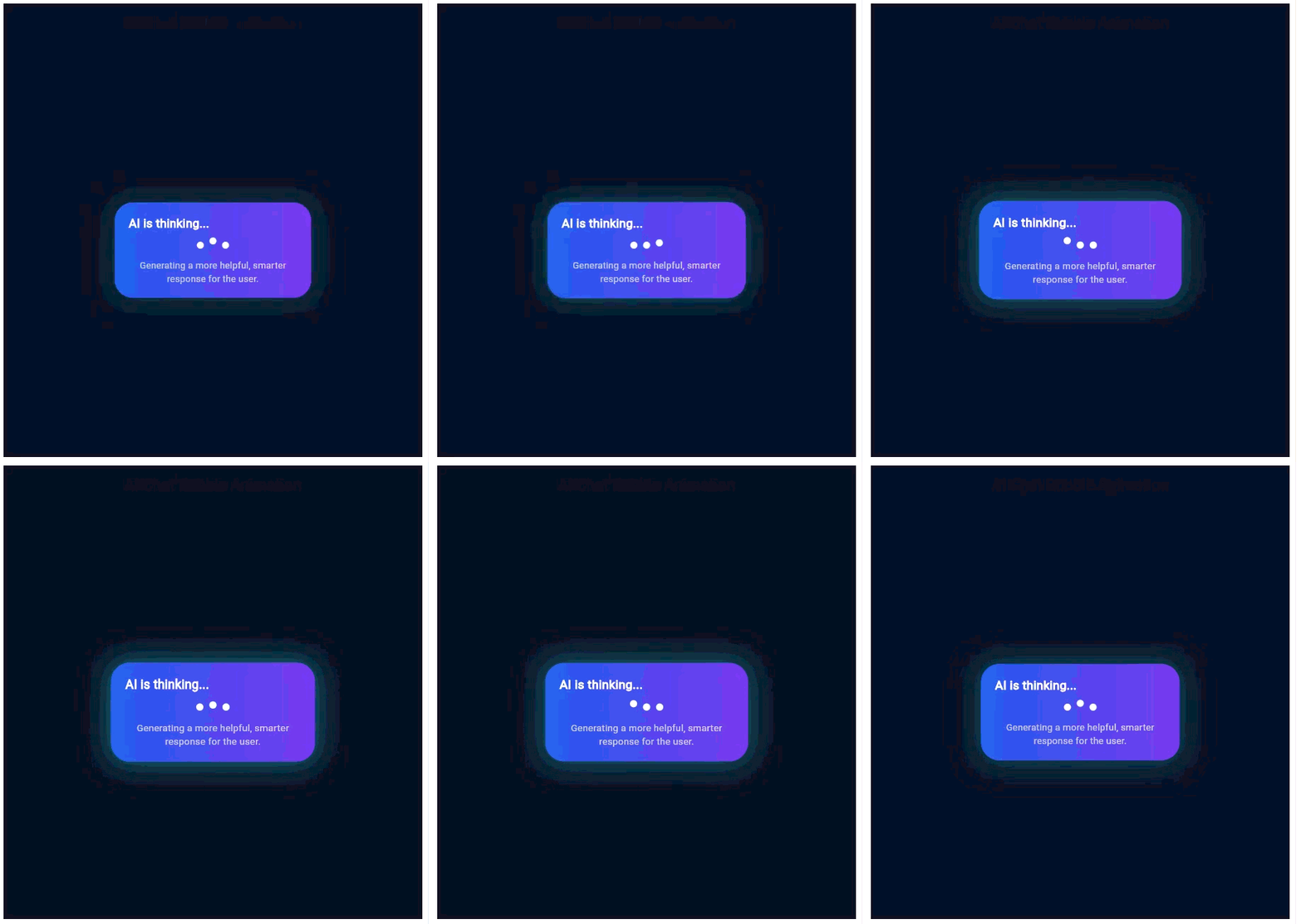
Expected Output:
3. Add to Cart Animation (Physics + Path + Transformation)
Real World Context
In commerce applications, adding an item to the cart is a key interaction.
A simple state change is not enough. Users need visual confirmation.
Mathematical Foundation
This animation combines:
Conceptual Understanding
- Movement gives direction
- Scaling gives depth perception
- Opacity gives completion effect
Flutter Execution Flow
- Button triggers animation
- Controller runs from 0 → 1
- Position calculated using Bezier
- Scale and opacity applied
- State updated at completion
Code Breakdown
final pos = quadraticBezier(controller.value);Transform.scale(
  scale: 1 - (controller.value * 0.3),
  child: Opacity(
    opacity: 1 - controller.value,
    child: widget,
  ),
);
Explanation
- Position changes continuously
- Size reduces over time
- Opacity fades out
Advanced Insight
This pattern improves:
- User satisfaction
- Visual clarity
- Conversion rates
Used in:
- E-commerce
- Quick – Commerce
- Food delivery apps
Run code:
Core Learning Summary
The most important takeaway from these flutter animation real life use cases is:
1. Animation is Mathematics
Every animation is driven by:
- Interpolation
- Functions
- Time
2. Animation is Communication
It answers:
- what is happening
- where it is happening
- what will happen next
3. Animation is Experience Design
It transforms:
- Static UI → interactive system
- Basic app → premium product
If you are beginners : How to animate text in flutter simple animation?
Final Note
If you want to build high-quality Flutter applications, you must think beyond widgets and layouts.
You must start thinking in terms of:
- Motion curves
- Time-based transformations
- User perception
That is where real product-level development begins.