


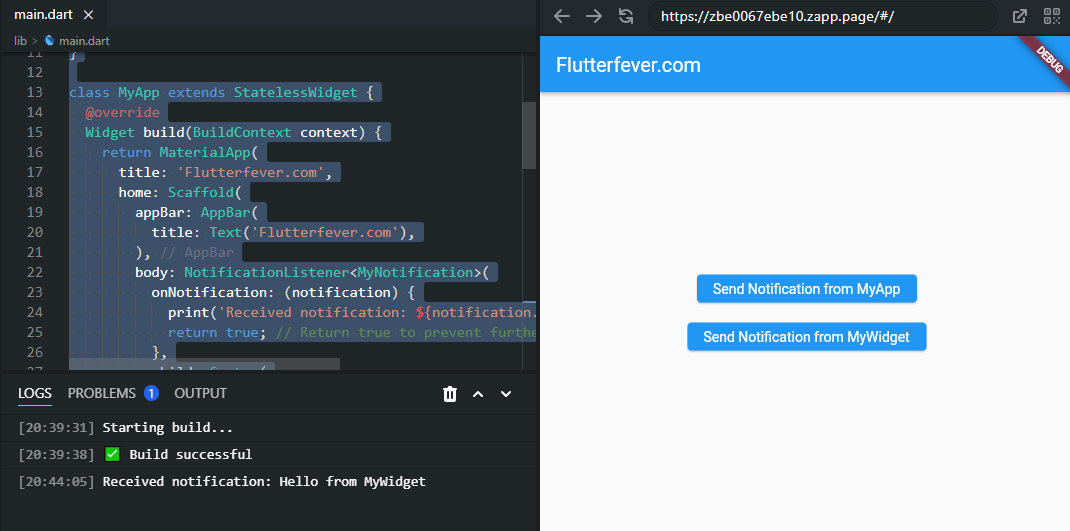
In Flutter, you can use Notification and NotificationListener to communicate between widgets in the widget tree without using callback functions.
Flutter widgets are structured in a tree structure. Sometimes, an interaction or an update in a child widget may require the parent widget to perform a rebuild. In this case, the child widget needs to notify its parent. In Flutter, you can dispatch Notifications which are listened to by NotificationListener widgets.
import 'package:flutter/material.dart';

void main() {
  runApp(MyApp());
}

class MyNotification extends Notification {
  final String message;

  MyNotification(this.message);
}

class MyApp extends StatelessWidget {
  @override
  Widget build(BuildContext context) {
    return MaterialApp(
      title: 'Flutterfever.com',
      home: Scaffold(
        appBar: AppBar(
          title: Text('Flutterfever.com'),
        ),
        body: NotificationListener<MyNotification>(
          onNotification: (notification) {
            print('Received notification: ${notification.message}');
            return true; // Return true to prevent further handling by ancestor listeners
          },
          child: Center(
            child: Column(
              mainAxisAlignment: MainAxisAlignment.center,
              children: [
                ElevatedButton(
                  onPressed: () {
                    MyNotification('Hello from MyApp').dispatch(context);
                  },
                  child: Text('Send Notification from MyApp'),
                ),
                SizedBox(height: 20),
                MyWidget(),
              ],
            ),
          ),
        ),
      ),
    );
  }
}

class MyWidget extends StatelessWidget {
  @override
  Widget build(BuildContext context) {
    return ElevatedButton(
      onPressed: () {
        MyNotification('Hello from MyWidget').dispatch(context);
      },
      child: Text('Send Notification from MyWidget'),
    );
  }
}
Output:
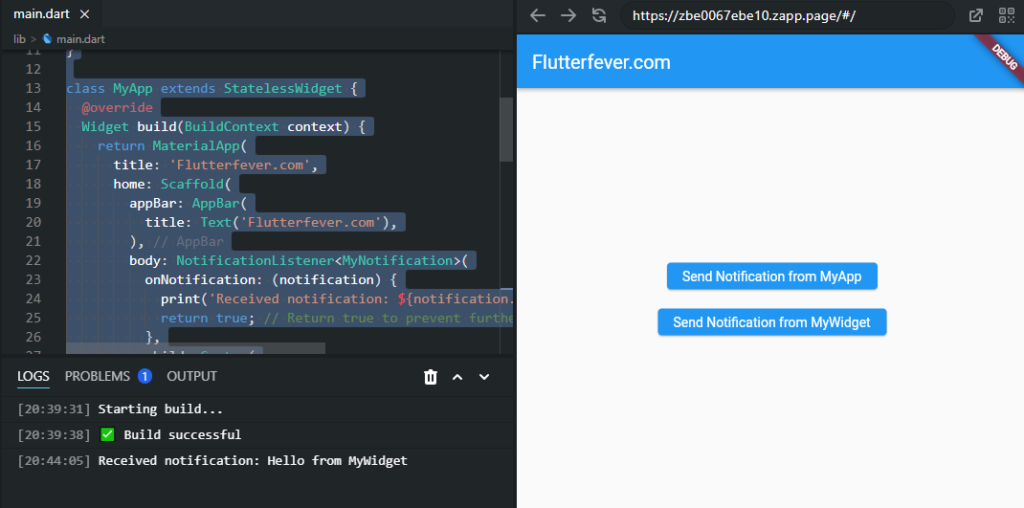
In this example:
- We define a custom notification class
MyNotificationwhich holds a message. - In
MyApp, we wrap our widget tree with aNotificationListener<MyNotification>. - Inside
MyApp, we have anElevatedButtonto send a notification when pressed. - We also have an instance of
MyWidget, which is anotherElevatedButtonwidget. - Both buttons dispatch a
MyNotificationwhen pressed, with different messages. - The
NotificationListenerlistens forMyNotificationnotifications and prints the received message to the console.
When you run this app and press either button, you’ll see the corresponding message printed in the console. This demonstrates how notifications can be used to communicate between different parts of your widget tree without having direct parent-child relationships.