— A Friendly, Deep-Dive Guide That Feels Like Sitting Next to a Senior API Engineer
“Master Postman in 2026 with this complete tutorial from beginner to expert. Learn API testing, collections, variables, scripts, AI features, Git integration, and automation with practical examples.”
Let’s make this journey personal, practical, and deeply insightful. Grab a coffee — we’re going in.
learn more about convert API Response from JSON to DART : Visit
1. Why Postman Still Rules in 2026 (And How It Evolved)
Back in the day, Postman was a simple Chrome extension for firing HTTP requests. Today, it’s a full-blown platform that thinks, collaborates, versions with Git, talks to AI agents, and supports everything from REST to MQTT and AI-native requests.
Real-world impact: Companies ship faster, catch bugs earlier, document automatically, and even let AI agents consume their APIs securely. The 2026 v12 release brought Git-native workspaces, Agent Mode, API Catalog, and unified multi-protocol collections. You can now work offline on your local filesystem while staying perfectly synced with your Git repo.
Pro Tip: If you’re coming from tools like Insomnia, cURL, or Thunder Client — Postman will feel like upgrading from a bicycle to a Tesla with autopilot.
2. Getting Started — Installation & First Impressions (v12 Interface)
Download the latest desktop app from the official site (always prefer desktop over web for full power).
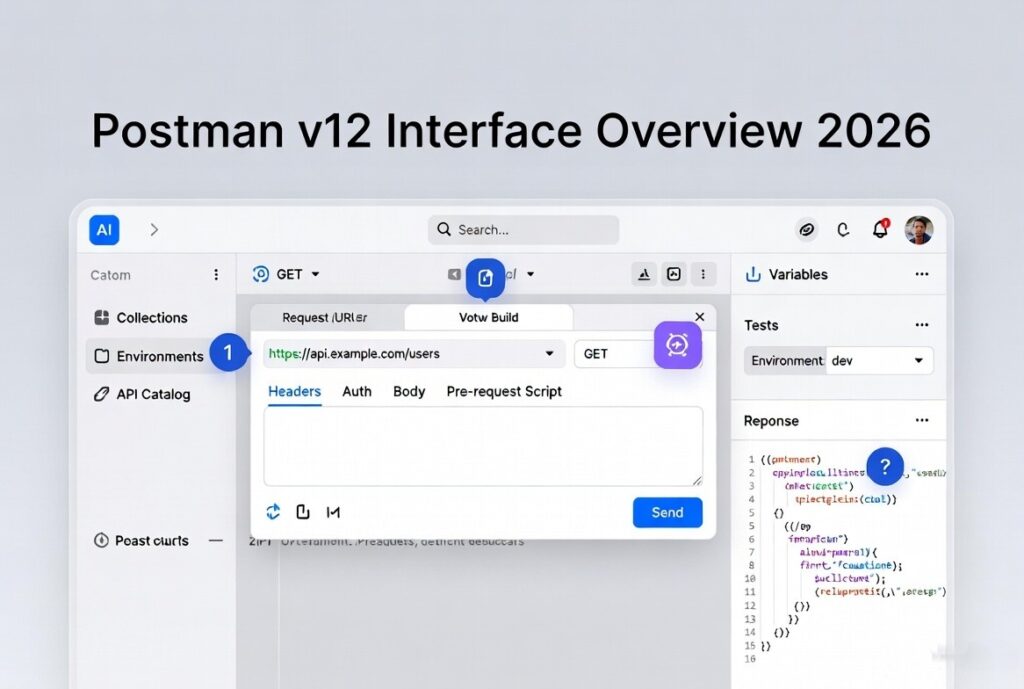
Once opened, you’ll see a clean, modern interface:
- Top Header: Quick actions, workspace switcher, powerful global search, AI assistant button, and your profile.
- Left Sidebar: Your command center — Collections, APIs, Environments, Mock Servers, Monitors, History, and the new API Catalog.
- Central Workbench: Where the magic happens — request editor, response panels, scripts, visualization, and documentation tabs.
- Right Sidebar: Context-aware — variables explorer, console logs, AI chat, and docs preview.
- Bottom Footer: Runtime info and quick status.
First Exercise (Do This Now): Create a new Workspace → Name it “My API Mastery 2026”. Create your first request: GET https://jsonplaceholder.typicode.com/posts/1. Hit Send. Look at the beautiful formatted JSON response, headers, cookies, and timing. Feel the joy!
3. Mastering Requests — The Heart of Postman
Every API conversation starts with a Request.
Deep Dive into Request Building:
- Methods: GET (fetch), POST (create), PUT (replace), PATCH (partial update), DELETE, and more exotic ones.
- URL & Path Variables: https://api.example.com/users/{{userId}}
- Query Params: Easily add ?page=1&limit=20 with toggles.
- Headers: Authorization, Content-Type, custom tracking headers. Postman suggests common ones intelligently.
- Body Types: raw (JSON), form-data (for file uploads), x-www-form-urlencoded, GraphQL, binary, etc.
- Auth Tab: Handles everything — Bearer, OAuth2 (with automatic token refresh), API Keys, AWS Sig v4, etc.
Advanced Request Tips:
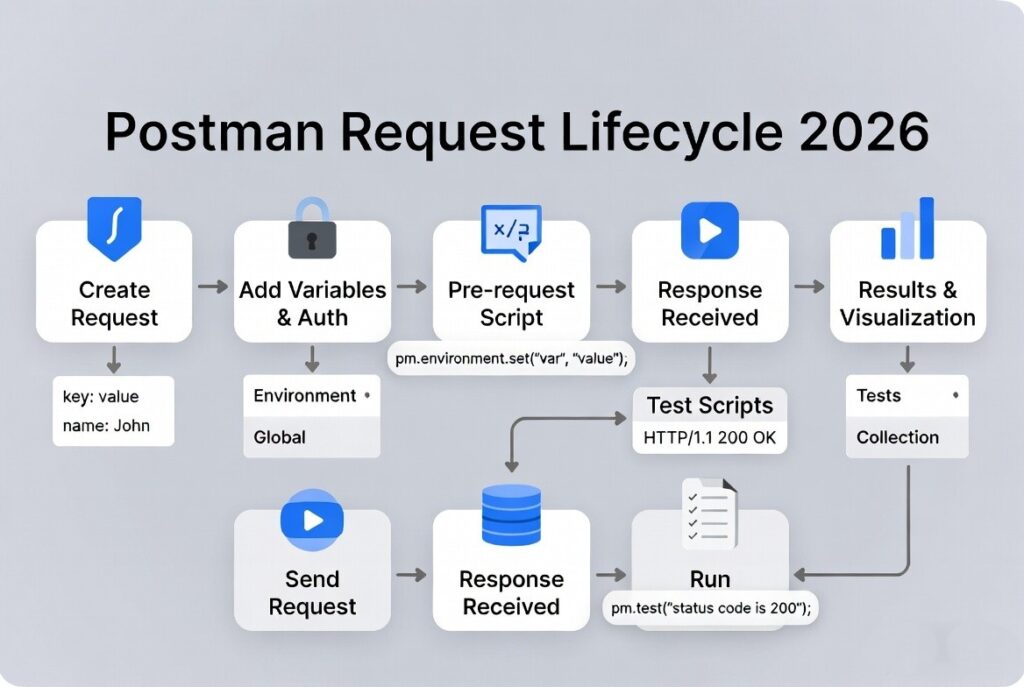
- Use Pre-request Scripts to dynamically generate signatures, timestamps, or encrypt payloads.
- Save frequently used headers at collection or environment level.
- Duplicate requests easily for variations (happy path, error cases, edge cases).
Common Pitfall: Hardcoding values. Never do it. Always use variables.
4. Variables & Environments — Your Reusability Superpower
Think of variables as smart placeholders that change meaning based on context.
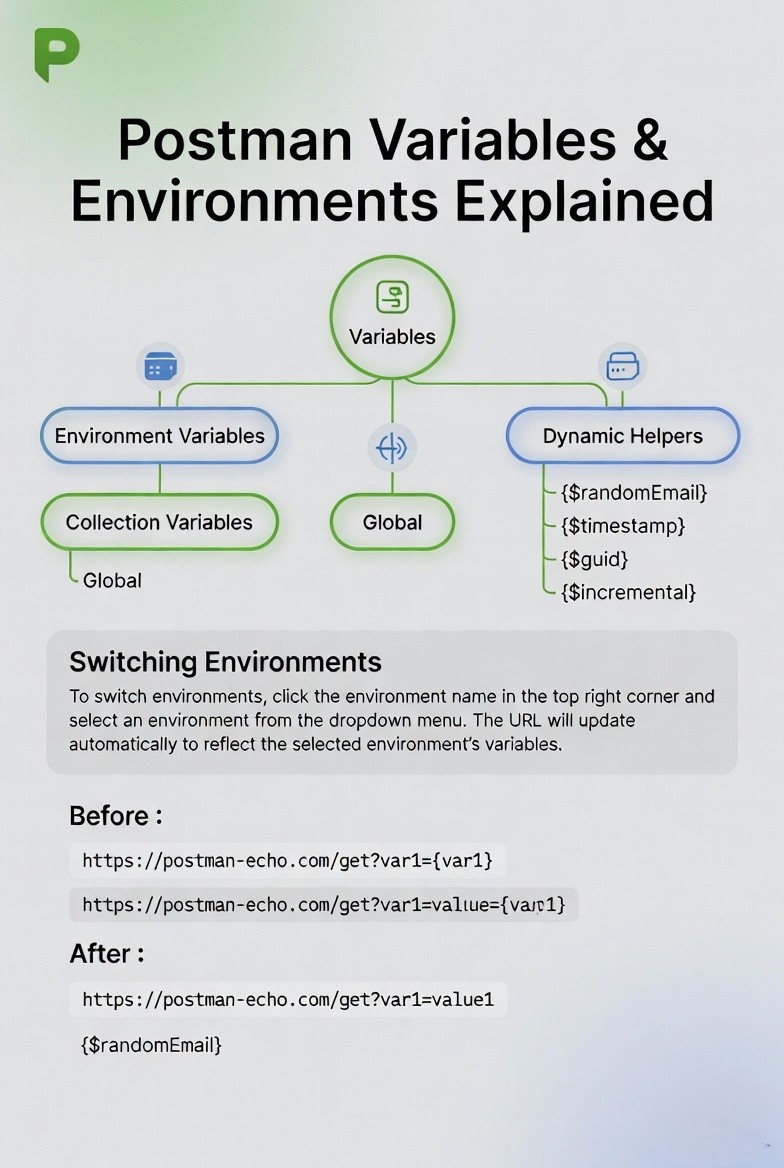
Hierarchy (most specific wins):
- Local (temporary)
- Environment
- Collection
- Global
Practical Example: Create four environments: Local, Development, Staging, Production. Each has baseUrl, apiKey, dbToken, etc.
In your request: {{baseUrl}}/users Switch environment with one click — all requests update instantly.
Dynamic Helpers (2026 still loves these):
- {{$randomEmail}}, {{$randomUUID}}, {{$timestamp}}, {{$isoTimestamp}}, {{$randomInt}}, etc.
- Set variables from responses: pm.variables.set(“userId”, jsonData.id);
2025-26 Enhancement: Redesigned UI shows initial vs current values clearly and makes sharing safer.
5. Collections — Your Organized API Project Home
A Collection is more than a folder. It’s a living, testable, documentable, runnable API project.
Structure Best Practices:
- Folder per feature/module (Auth, Users, Payments, Admin)
- Naming convention: GET /users/list → clear and consistent
- Add descriptions to every request and folder (Markdown supported)
- Attach tests at request, folder, or collection level
Collection Runner: Run entire suites with data files (CSV/JSON), iterations (1000+), delays, and parallel execution. Perfect for regression and load-like testing.
AI Magic: Select requests → Ask AI → “Generate comprehensive test suite with edge cases” — it writes scripts for you. Review and tweak.
6. Writing Tests & Scripts Like a Pro
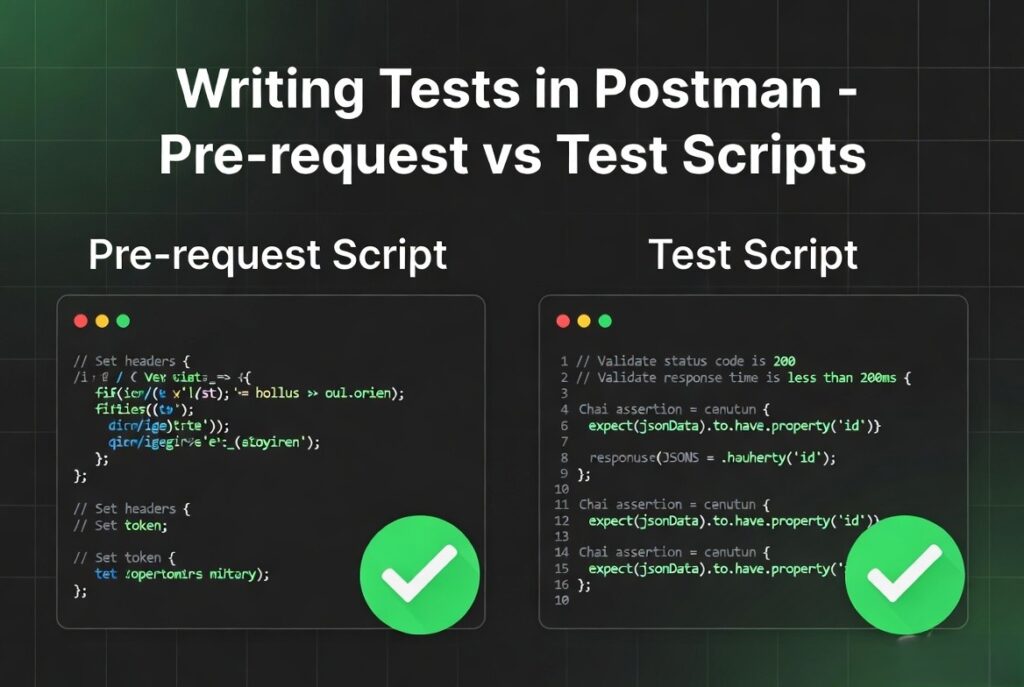
Postman scripts are JavaScript with superpowers (Chai assertion library + Postman sandbox).
Pre-request Script Example (Dynamic Auth):
// Generate timestamp and signature
const timestamp = new Date().getTime();
pm.environment.set("timestamp", timestamp);

// Fetch token if expired
if (!pm.environment.get("accessToken")) {
    // call token endpoint using pm.sendRequest()
}
Test Script Example (Comprehensive):
pm.test("Status is 200 and response is fast", () => {
    pm.response.to.have.status(200);
    pm.expect(pm.response.responseTime).to.be.below(800);
});

const jsonData = pm.response.json();

pm.test("User object has correct schema", () => {
    pm.expect(jsonData).to.have.property("id").that.is.a("number");
    pm.expect(jsonData.email).to.match(/^[^\s@]+@[^\s@]+\.[^\s@]+$/);
});

// Schema validation
pm.test("Response matches JSON Schema", () => {
    const schema = { /* your schema */ };
    pm.expect(jsonData).to.have.jsonSchema(schema);
});
Expert Level:
- Use pm.execution.skipRequest() for conditional flows.
- Chain multiple APIs in workflows.
- Store reusable functions in Collection Variables or Package Library.
- Visualize responses with pm.visualizer.set() for beautiful dashboards.
7. Authentication Deep Dive
OAuth2 flows can be tricky. Postman makes them painless with built-in token management. For JWT-heavy apps, write scripts to decode and validate tokens on the fly.
Security Tip: Use Secret Variables (masked) and never check them into Git.
8. API Design, Mocking & Documentation
Design your API using OpenAPI 3.1 in Spec Hub. Generate collections and mocks API automatically. Mock servers can return dynamic responses based on request data — incredibly useful for frontend teams working in parallel.
Documentation auto-updates and can be published beautifully with examples, code snippets in multiple languages, and “Try it” buttons.
9. Advanced & Enterprise Features (2026)
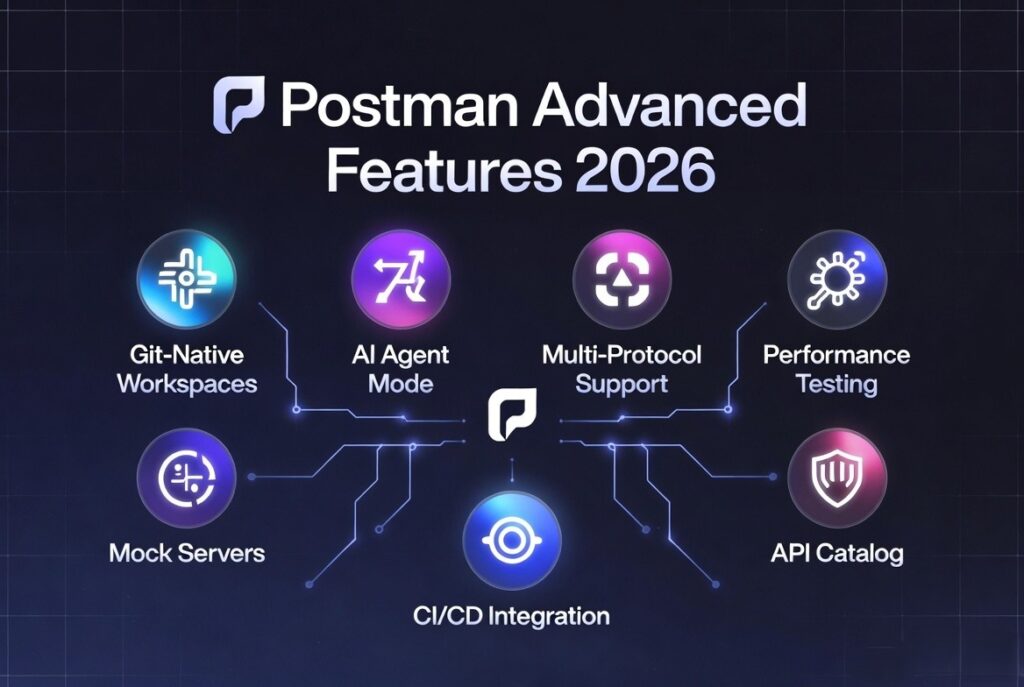
- Git-Native Workspaces: Work on feature branches locally, commit changes, create PRs — all inside Postman.
- Agent Mode: Build and test APIs that AI agents will consume.
- Performance Testing: Combine functional assertions with load.
- Monitors: Schedule collections to run 24/7 from different regions.
- API Catalog: Company-wide discovery and governance.
- Multi-protocol Collections: Mix REST + GraphQL + WebSocket in one flow.
10. CI/CD, Automation & Real-World Workflows
Integrate with GitHub Actions, Jenkins, GitLab CI using Newman or Postman CLI. Example pipeline: Run collection → Fail build on test failure → Generate report → Notify Slack.
Read : Codemagic Flutter CI/CD for Android: Build, Sign, Version, and Deploy to Google Play
Shift-Left Testing: Run tests locally and in CI before merging code.
Final Thoughts: Becoming a Postman Expert
Start simple. Build muscle memory. Then layer on scripts, variables, automation, Git, and AI. Within weeks you’ll wonder how you ever lived without it.
Your 30-Day Mastery Plan:
- Days 1-7: Requests, Variables, Collections
- Days 8-15: Scripts & Testing
- Days 16-22: Design, Mocking, Documentation
- Days 23-30: CI/CD, Git, Advanced Features & Personal Project
Practice on real public APIs (GitHub, JSONPlaceholder, Reqres.in) and then your company’s APIs.
Postman in 2026 is not just a tool — it’s your intelligent API companion. Treat it with curiosity and discipline, and it will reward you with speed, quality, and confidence.
You’ve got this! Drop your questions in the comments, share your collections, and tag me when you ship something amazing.