

Flutter FVM – Complete Guide to FVM (Flutter Version Management)

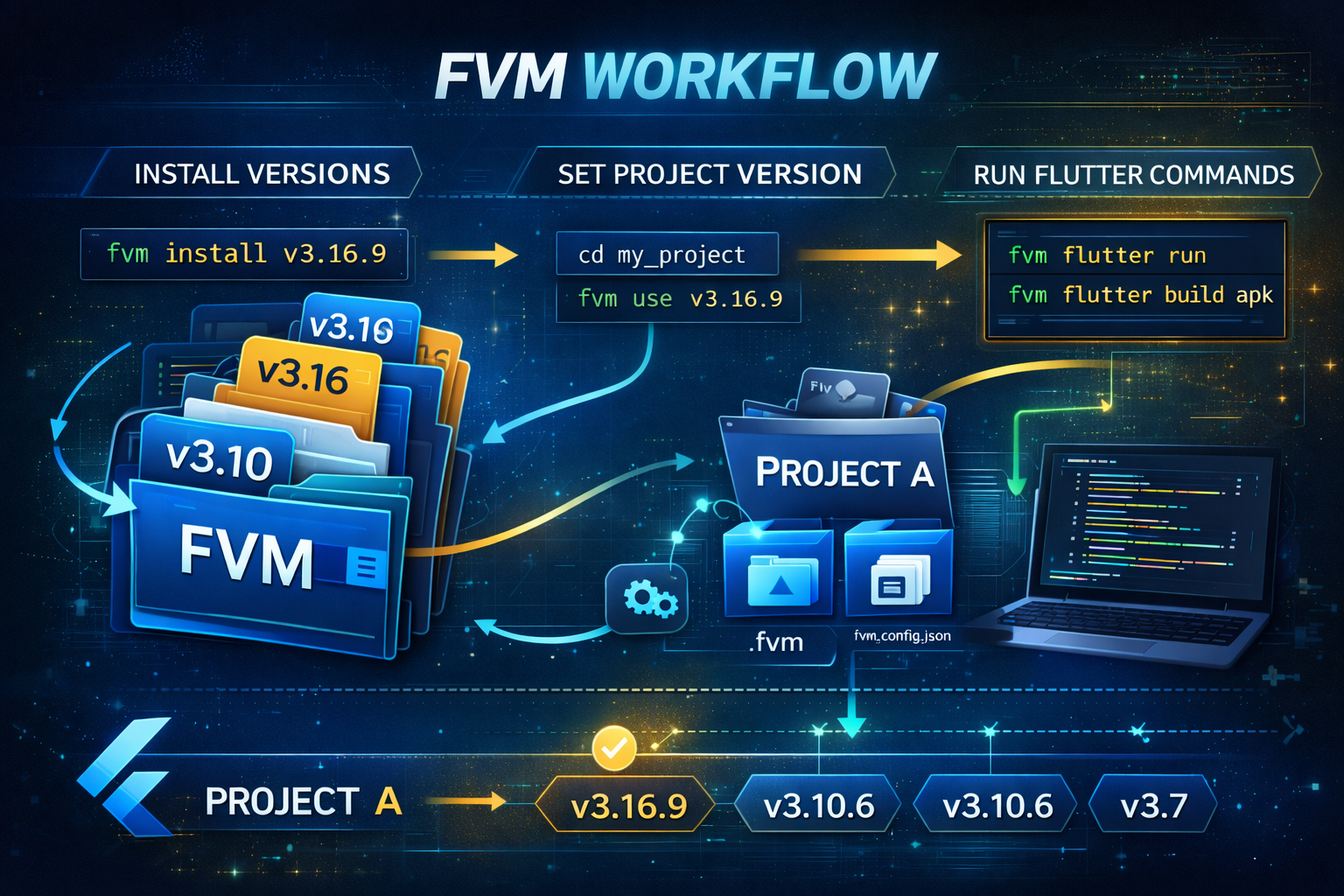
In modern cross-platform development, managing SDK versions is critical. As Flutter evolves rapidly with stable, beta, and patch releases, projects often face:
- Plugin incompatibility
- Breaking API changes
- CI/CD build failures
- Production instability
This is where Flutter FVM (FVM Flutter) becomes essential.
FVM stands for Flutter Version Management, a professional tool that allows developers to manage multiple Flutter SDK versions safely and efficiently.
What is Flutter FVM?
FVM (Flutter Version Management) is a CLI tool that enables developers to:
- Install multiple Flutter SDK versions
- Assign specific versions per project
- Avoid global Flutter switching
- Maintain team consistency
- Ensure reproducible builds
It works similarly to Node’s NVM (Node Version Manager), but specifically for Flutter.
Why Use FVM Flutter?
1. Multiple Projects, Different Versions
Example:
- Project A → Flutter 3.10
- Project B → Flutter 3.16
- Project C → Flutter 3.19
Without FVM, switching versions manually creates conflicts.
With FVM, each project is isolated.
2. Plugin Compatibility Stability
Some plugins only support specific Flutter versions.
If you upgrade Flutter globally, builds may fail.
FVM allows safe version locking.
3. Enterprise Production Control
Professional teams:
- Freeze SDK version before release
- Use strict CI pipelines
- Maintain version reproducibility
FVM ensures everyone uses the exact same Flutter version.
4. Safe Upgrade Testing
With FVM, you can:
- Install new version
- Test in staging
- Roll back instantly
No system-wide impact.
When Should You Use Flutter FVM?
Use FVM if:
- You manage multiple Flutter apps
- You work in a team
- You deploy production apps
- You use CI/CD
- You maintain legacy apps
- You need version reproducibility
For serious Flutter development, FVM is highly recommended.
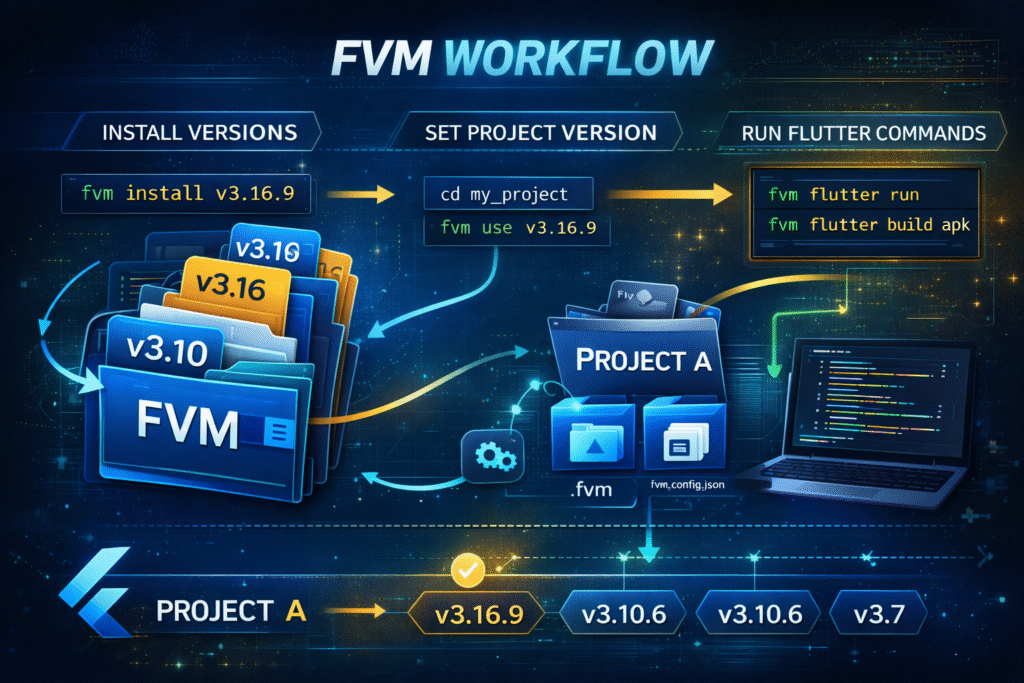
FVM WorkFlow
How to Install Flutter FVM
Install via Dart
dart pub global activate fvm
Verify:
fvm --version
How to Use FVM Flutter (Step-by-Step)
Step 1: Install Specific Flutter Version
fvm install 3.16.9
Step 2: Assign Version to Project
cd my_project
fvm use 3.16.9
This creates:
.fvm/fvm_config.json
Step 3: Run Flutter Commands via FVM
Instead of:
flutter run
Use:
fvm flutter run
Build:
fvm flutter build apk
How Flutter FVM Works Internally
FVM:
- Stores SDK versions locally
- Creates project-specific symlink
- Uses
fvm_config.jsonto map version - Prevents global conflicts
Flutter FVM vs Manual Version Switching
| Feature | Manual | FVM Flutter |
|---|---|---|
| Multiple versions | Difficult | Easy |
| Project isolation | No | Yes |
| Team consistency | Risky | Stable |
| CI/CD ready | Manual setup | Professional ready |
| Rollback support | No | Yes |
Conclusion: FVM is the professional solution.
Using FVM in Teams
Best practice:
- Install FVM
- Run
fvm use <version> - Commit
fvm_config.json - Add
.fvmto.gitignore - Team members run:
fvm install
Everyone gets the same SDK version.
Using Flutter FVM in CI/CD
Example CI steps:
dart pub global activate fvm
fvm install
fvm flutter build apk
Ensures consistent builds across environments.
Read : How to Fix “Flutter Directory Is Not a Clone of the GitHub Project” in Flutter
Advanced Flutter FVM Commands
List installed versions:
fvm list
Remove version:
fvm remove 3.10.6
Set global version:
fvm global 3.16.9
Check version:
fvm flutter --version
Common Mistakes to Avoid
- Mixing global flutter with fvm flutter
- Not committing
fvm_config.json - Upgrading production apps without testing
- Forgetting to run commands via FVM
Is Flutter FVM Safe?
Yes.
- Does not replace system Flutter
- Works per project
- Widely adopted by professional teams
- Suitable for enterprise apps
For More About Flutter version Manager Go With : FVM Official Documentation
Read Articles : How to Design Flutter Enterprise App Architecture in 2026: Scalable & AI-Ready App Systems
FVM is extremely useful for Flutter developers who work on multiple projects with different Flutter versions, but it should be used only after you understand the base Flutter installation process, Git requirements, IDE SDK path configuration, and how Flutter tools behave on Windows. Many users start using FVM without a clean Flutter setup and then run into confusing errors related to SDK paths, Android Studio detection, or messages like the Flutter directory is not a clone of the GitHub project. For the best experience with Flutter version management, also read our related guides on Flutter installation on Windows, Flutter doctor command, Flutter SDK path configuration, and fixing common Flutter setup errors.
Frequently Asked Questions (FAQ)
Flutter FVM is a version management tool that allows you to manage multiple Flutter SDK versions per project.
Not required for beginners, but strongly recommended for professional and team environments.
No. It manages Flutter SDK versions.
Yes. Set Flutter SDK path to .fvm/flutter_sdk.
Yes. Configure SDK path to project’s FVM folder.
Yes. It ensures consistent automated builds.
Yes. Simply run fvm use <version>.
Read Articles : Android Studio AI: Complete Guide to Building Apps with AI-Powered Project Generation